
Save your first link
Save the page you’re on to a Space with the Kepler extension, add a note on why you kept it, then ask about it.
Updated
Save the page you’re on to a Space, one for each project or trip, then add a note on why you kept it. You need the Kepler extension, installed and signed in. On your phone, share it to Kepler instead.
Save the page you’re on
- Open the page you want to keep. It can be a page, a post or a video.
- Check the Space. In Kepler’s dock at the bottom of the page, the Space switcher sits beside Save. Choose another Space if this one isn’t right.
- Click Save. A message says it’s saved to the Space, and Kepler keeps what’s inside the page: its summary and tags.
Add a note
A note says why you kept a page, or what to do with it. In the extension, you pin it to the part of the page it’s about.
- Choose Comment in Kepler’s dock.
- Click the part of the page your note is about, such as a paragraph, an image or a price.
- Write your note and send it. It stays pinned to that spot, for you and anyone you share the Space with.
Kepler keeps your note with the save, and search matches it.
Save from your phone
- Tap Share. In Instagram, YouTube, Safari or anything else with a link.
- Choose Kepler. It’s in the share sheet.
- Check the Space. The sheet says Saving to, with the Space the link will go into. Choose another Space if this one isn’t right, then tap Save.
If you copied a link instead, it’s ready when you open Kepler. Save from your phone has the rest, on iPhone and Android.
What Kepler keeps
Kepler keeps a summary and tags with each save, and your notes beside them. Search matches what’s inside a save, not only its title. Kepler keeps what a page said when you saved it, and the link stays with it, so you or your AI can open it again for what’s new.
Ask about it
In the browser, ask Kepler from the side panel. In the mobile app, tap ✦ to open a chat about your Space. To ask from ChatGPT or Claude, connect Kepler to ChatGPT or to Claude.

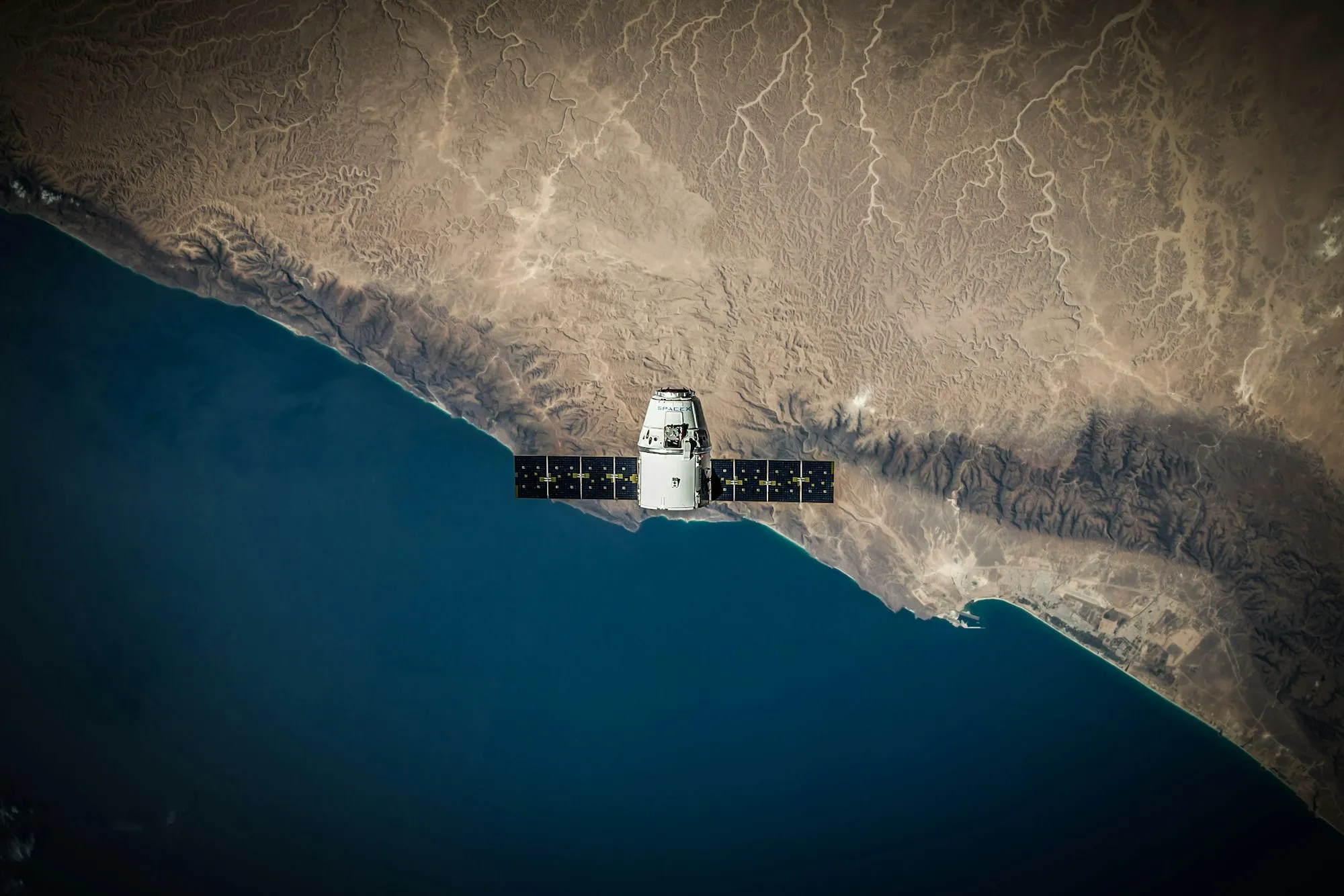
Saved to Space trip
Human Spaceflight

Add a commentSixteen sunrises a day.
Comment
RogerJust now
Sixteen sunrises a day.
Reply...
Saving to
Every save improves the digital memory
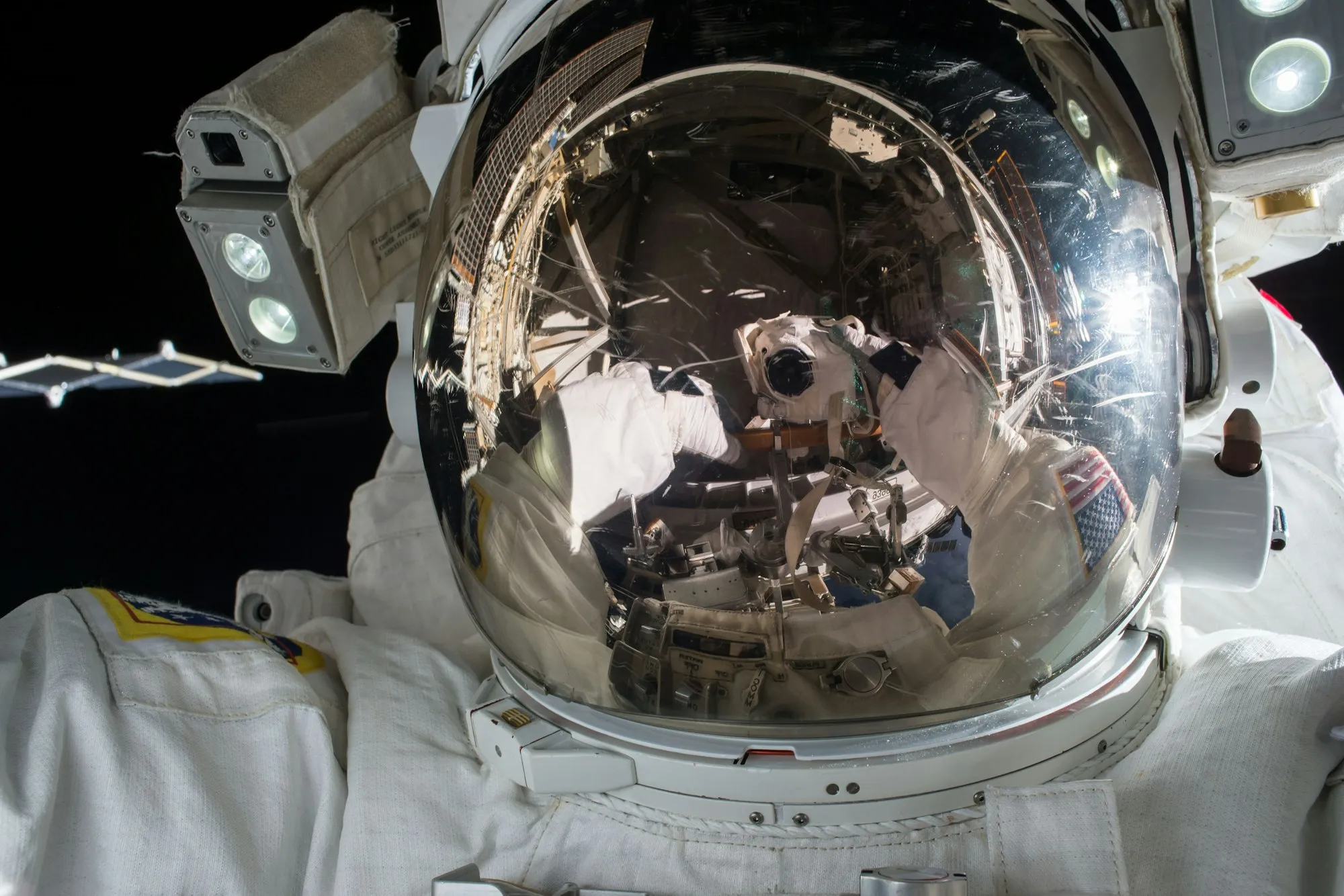
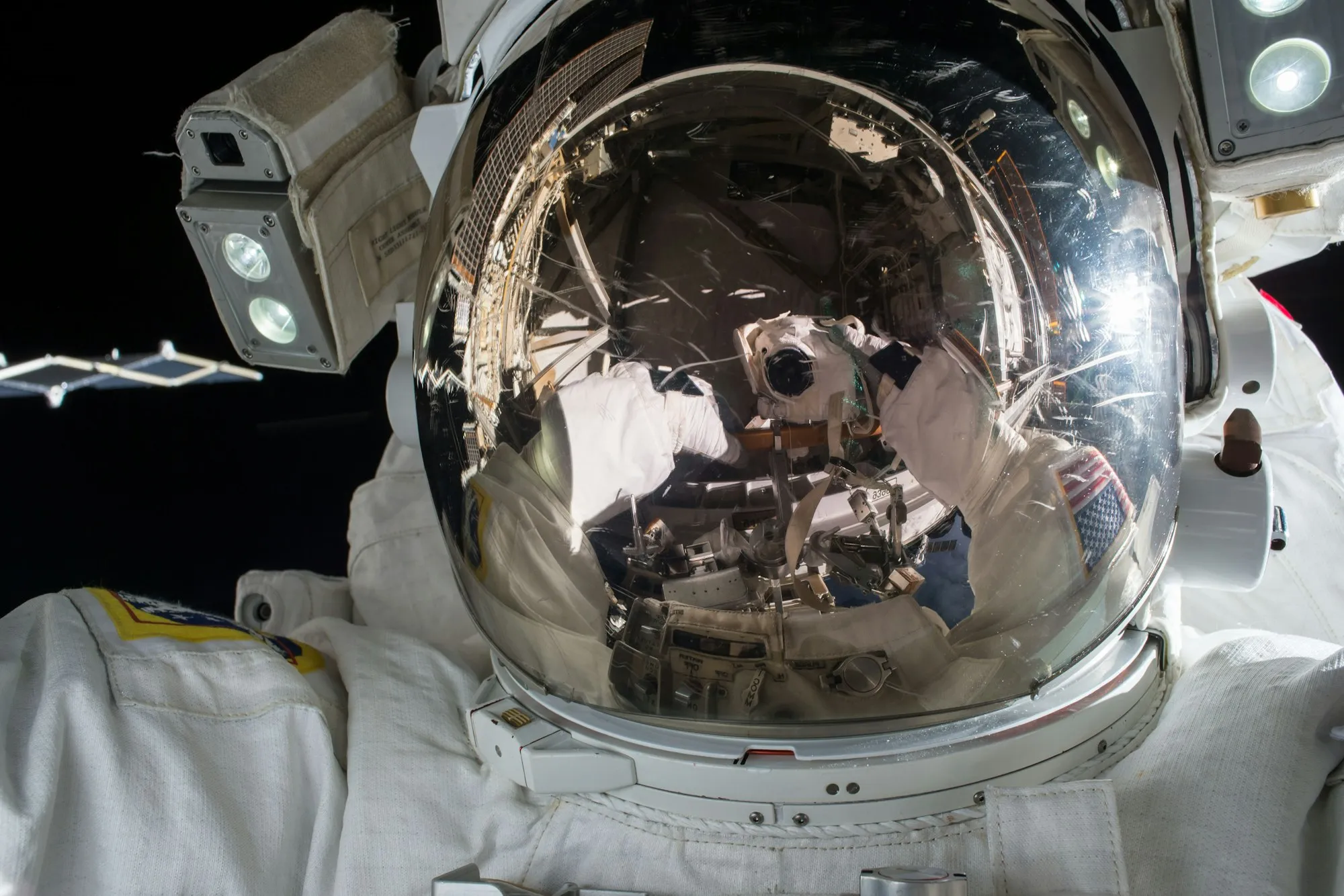 SavedBefore your first spaceflight
 What Kepler remembers3 memories
Summaries
Page from YouTube
Six lessons from a first spaceflight: train for the launch, not the float, pack light, and look out of the window, not at your phone.
Notes
Watch it again before training.
06/10/2026
Bring the flight watch, please.
 07/10/2026
Comments
1 comment
Miaan hour
The centrifuge day is the hard one.
Which trip fits our plans?
Searching Space tripSearched Space trip · 2 saves
 Human Spaceflight
MTen days on a station
The SpaceX flight to orbit. You loved the sixteen sunrises a day, and Mia ruled out the station stay.
Ask anything about your space - @ to attach context
🚀Space tripAuto
Try it
Was this helpful?
Thanks, glad it helped.
Thanks.
Sorry about that. Email support and a person will help.