
Bring your saved context into ChatGPT and Claude.
Connect Kepler once, then ask with the spaces, links, and references you already saved.
Ask with context
Prompts that know what you saved.
Type /kepler and ask. Compatible agents can answer from the spaces, links, and references you already collected.
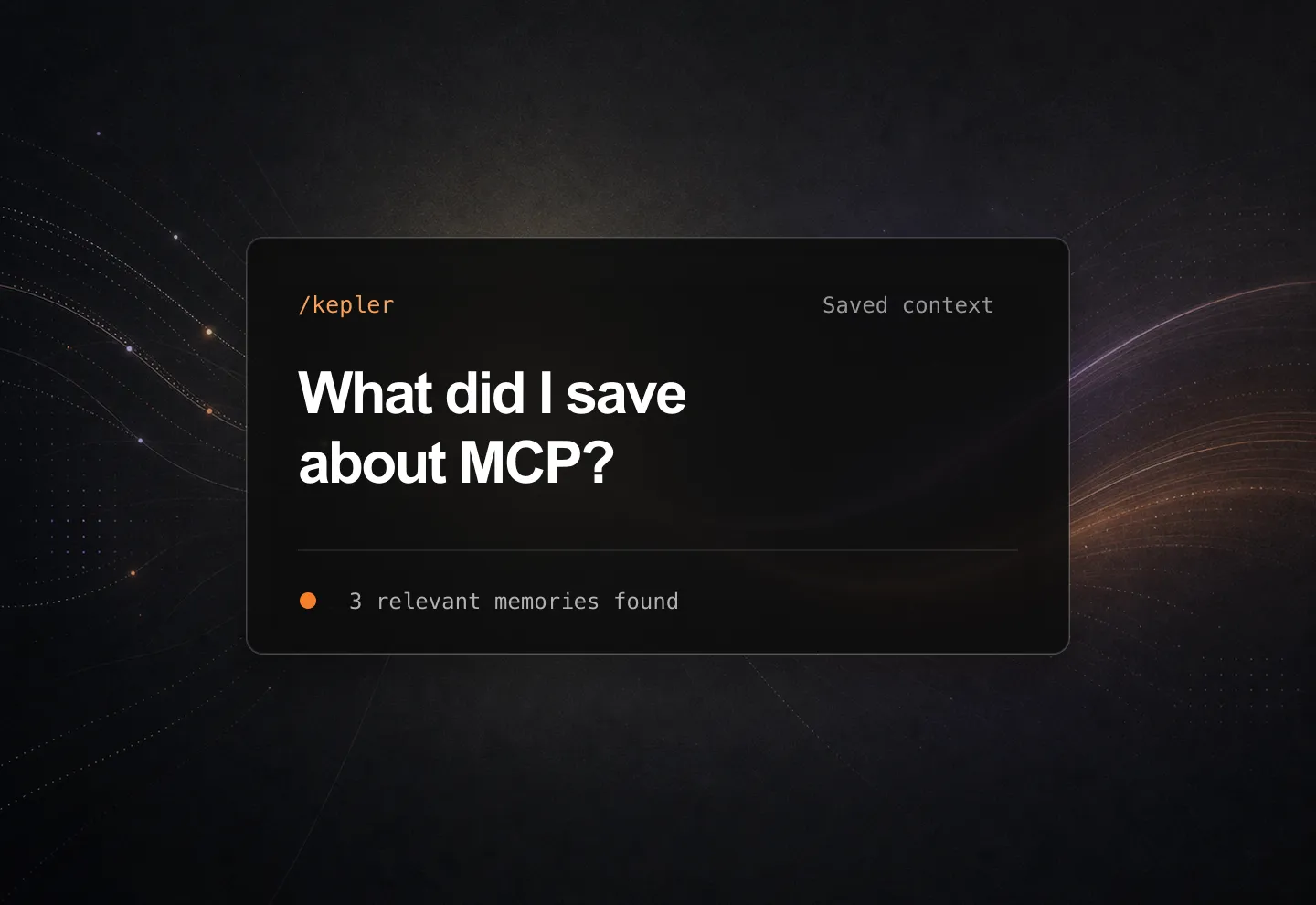
-
/kepler
Plan a 7-day Japan trip from the reels, articles, and videos I saved in my Japan space.
-
/kepler
Summarise the main arguments across the articles in my Research space, and tell me where they disagree.
-
/kepler
From the options saved in my Planning space, recommend one and explain the trade-offs.
More examples
Use saved context for planning, research, comparisons, and everyday decisions.
- /kepler Catch me up on everything my team added to our Launch space this week.
- /kepler Turn the articles in my reading list into a five-minute briefing.
- /kepler Draft a comparison table of the tools I saved in my AI-tools space.
- /kepler Which of the apartments I saved best fits my budget and commute?
- /kepler What did I save about pricing strategy last month? Pull out the key points.
- /kepler Build a shopping list for three dinners from the recipes I saved.
Free to connect. Portable by design.
Included
Included on every plan
The MCP connection is free with Kepler and does not spend your AI Assistant credits.
Authorize once
Your spaces stay connected
Connect Kepler once; compatible agents can use the saved spaces you already trust.
Portable
Use any MCP agent
Start with ChatGPT, or add the same connector URL in Claude and other MCP-compatible agents.
Available now
Connect Kepler where you ask.
ChatGPT has a direct Kepler app. Claude and other MCP-compatible agents use Kepler as a custom connector.
http://app.keplerbrowser.com/mcp -
01
Connect Kepler
Open Kepler in ChatGPT, or add Kepler as a custom MCP connector and authorize your account.
-
02
Select context
Choose a Space when you know the source, or let the agent find the saved links that match your request.
-
03
Ask and interact with your data
Use /kepler in your prompt, then ask follow-up questions against the context Kepler returns.
Start with any MCP agent