
Browser Extension
Turn the web into your AI's memory
The Kepler extension lives where you work. Highlight, annotate, comment, and save with full context — then organize it into spaces your team and your AI can use.
Content → Context
Everything a tab can't remember.
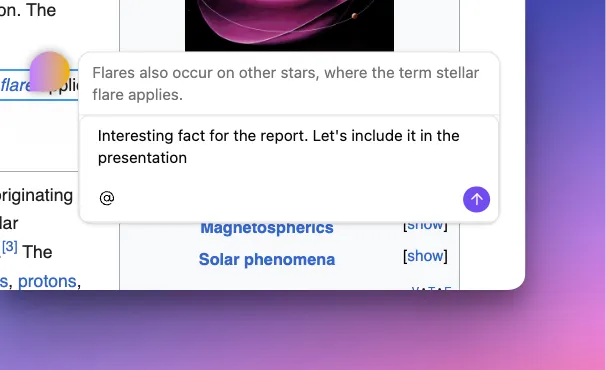
Highlight & annotate
Mark up any page and drop as many highlights and annotations as an article needs — each one anchored to the exact spot you saved it from.
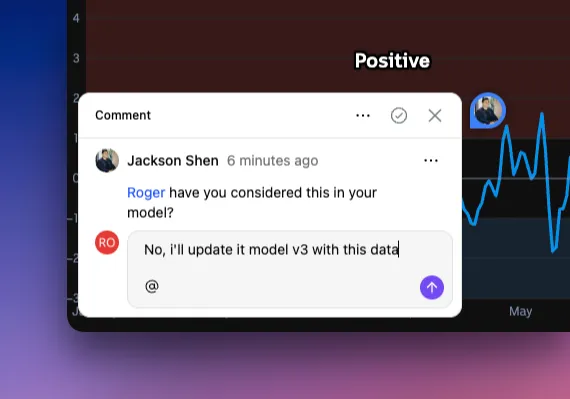
Comment threads
Start a thread on any save and keep it going — notes to yourself, or a back-and-forth with teammates in a shared space.
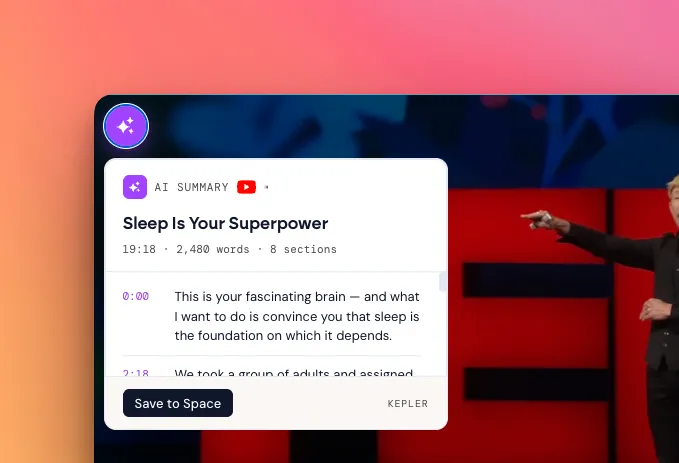
AI Summaries
A deep extraction that pulls the heavy data from a saved source — full video transcripts, document text, image OCR — and distills it into a concentrated memory point for your AI.
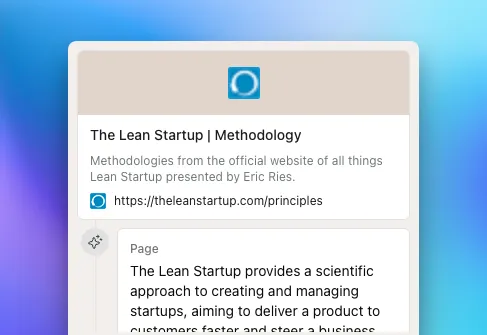
Save with full context
One click captures the page, its metadata, and the context behind it — not just a bare URL you'll forget.
Tags & auto-organize
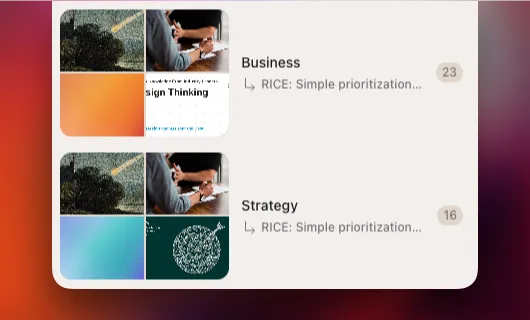
Label and cluster saves your way, or let Kepler generate tags and keywords as you go.
Private & shared spaces
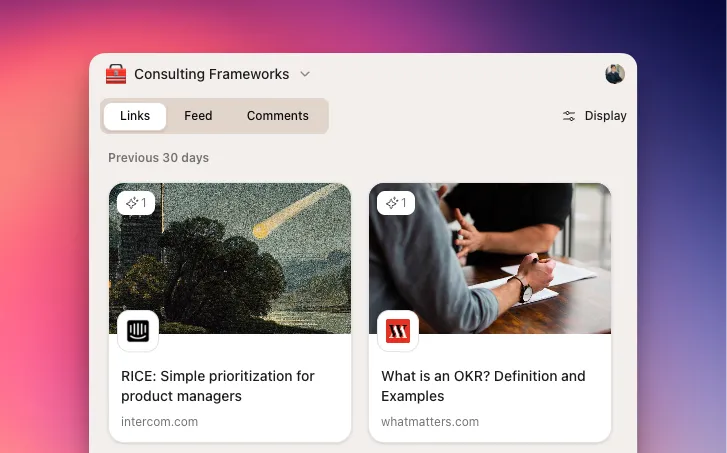
Group everything into spaces for a project, a topic, or a team — private by default, shared when you want.
Bring your own AI
Then put it to work with AI.
What you capture doesn't just sit in a folder. Connect Kepler to ChatGPT today — and any MCP-compatible assistant as support grows — and your AI answers with the context you saved. Free and unlimited; it never spends your AI credits.
See how the AI connection works →-
ChatGPT
Connection available
-
Claude
Connection available
-
Gemini
Coming soon
-
Any MCP tool
Open standard
Where the deep work happens.
The extension is where you do the work — re-reading sources, layering annotations, building threads, and pulling it all into context for AI.
Research
Triage and synthesize
Save while you browse, layer annotations across sources, then ask AI to reason over the whole set.
Reading
Build a source set
Collect papers, posts, and docs in one space — with the highlights and notes that made them worth keeping.
Teams
Shared context that lasts
Comment threads and shared spaces keep your team's knowledge in one place instead of scattered across tabs.
Add it to your browser
Available across every major browser, with Safari on the way.
Kepler for mobile
Save on the move.
Your AI memory, in your pocket. Save on the go with the Kepler app — available on iOS and Android.