M Ten days on a station | Meridian Station
STAYS
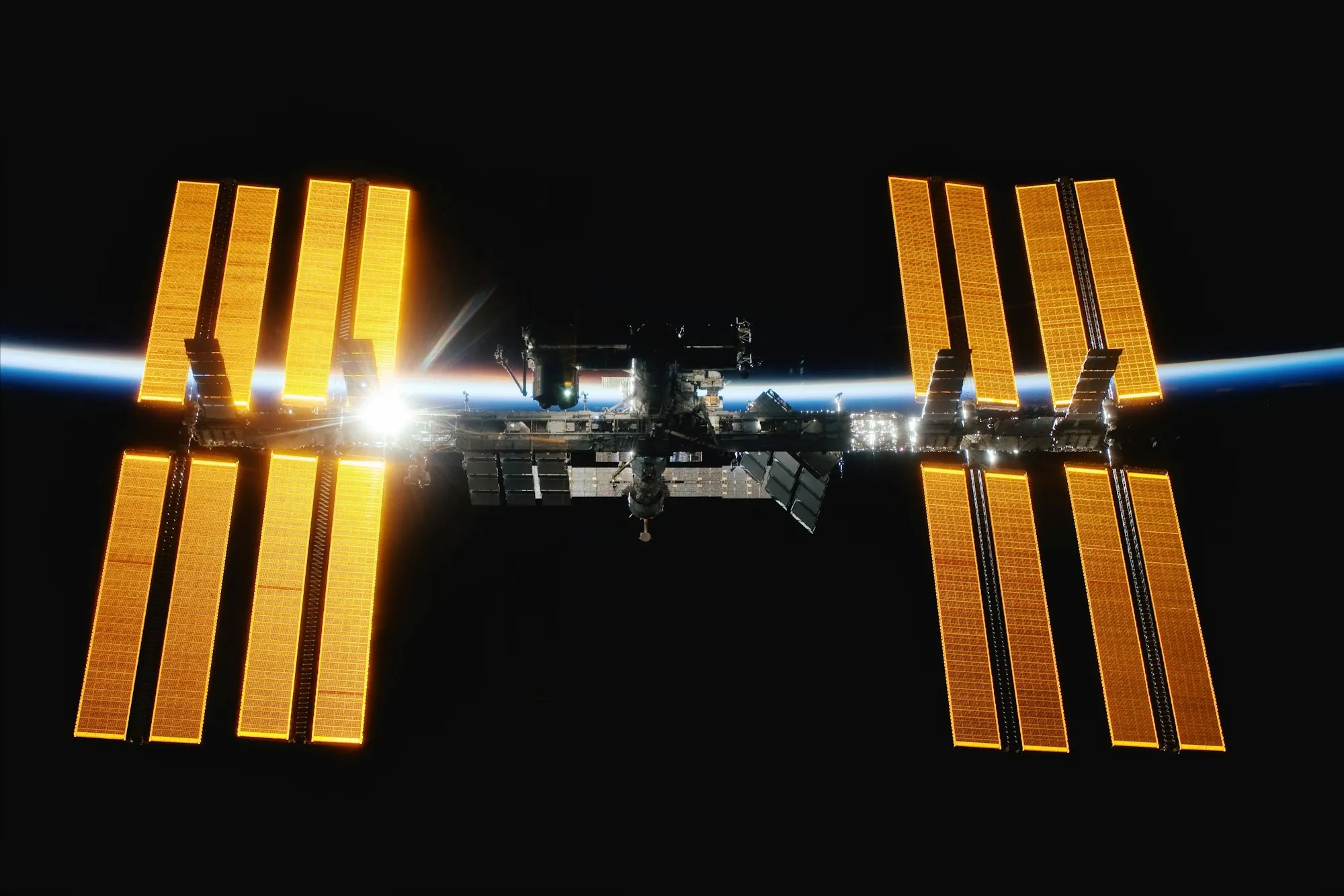
Ten days on a station.
A cabin, a galley, and a month of training first.
Kepler Explorer
Ask your AI, and it opens the pages worth reading beside its answer. Step into any page to see for yourself.
Preview for macOS, in development for Windows You’ll join Kepler’s mailing list. Unsubscribe anytime. Privacy policy Your download has started. Windows is coming soon. Download again
A cabin, a galley, and a month of training first.
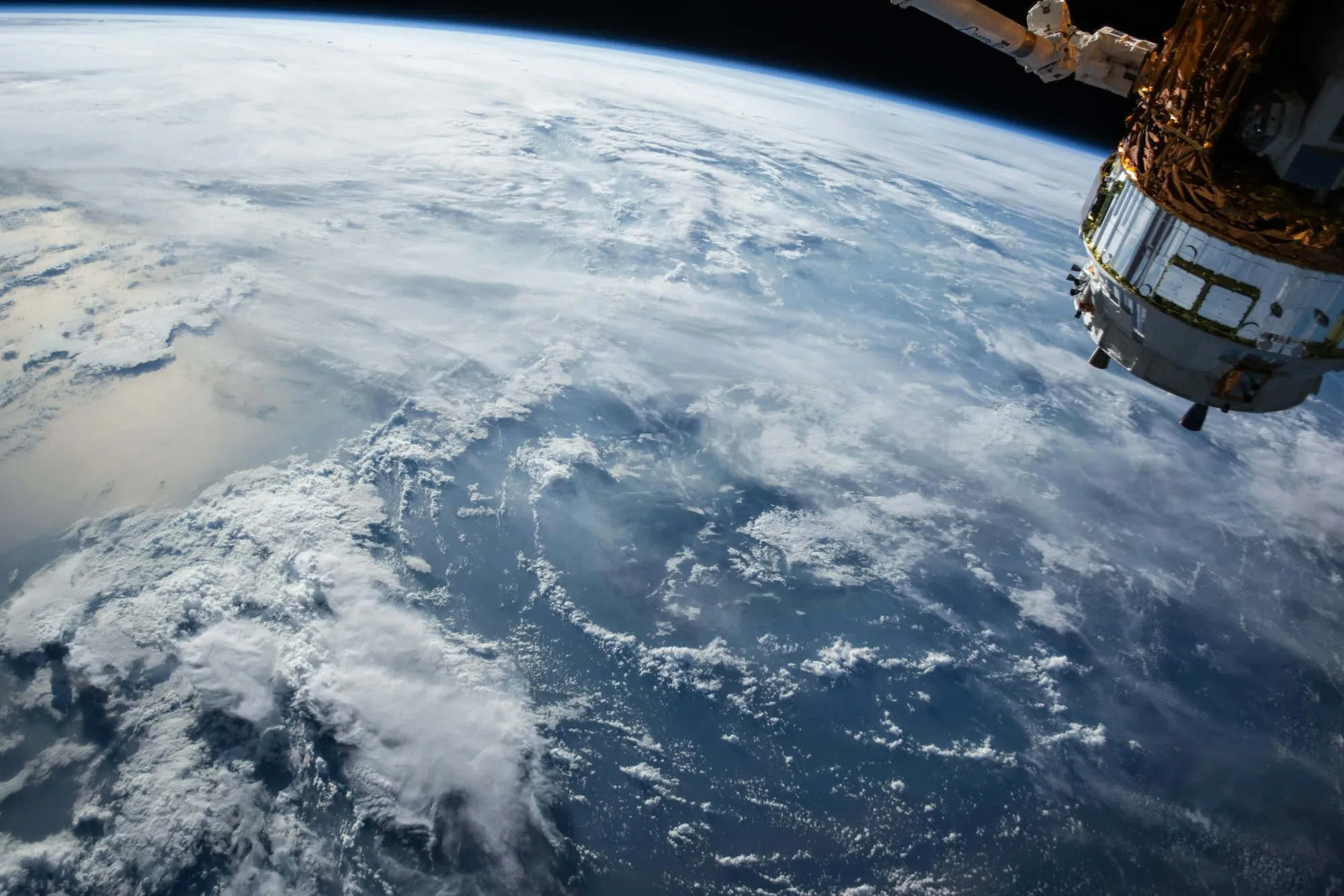
Expose for the clouds, then put the camera down and look.

Orbit or station: what you get for the time.
Best first trip to space?
I’ll compare the trips on sale and open what I find.
A few days in orbit is the usual first trip, with sixteen sunrises a day and the whole Earth out of the window (Orbit Weekly). SpaceX flies crews to Earth orbit and to space stations (SpaceX). Station stays run longer and need more training (Meridian Station). All five pages are in the stack beside this chat.
10 actions
Ask a follow-up…
GPT-6 Sol
A cabin, a galley, and a month of training first.
Expose for the clouds, then put the camera down and look.
Orbit or station: what you get for the time.
Best first trip to space?
I’ll compare the trips on sale and open what I find.
A few days in orbit is the usual first trip, with sixteen sunrises a day and the whole Earth out of the window (Orbit Weekly). SpaceX flies crews to Earth orbit and to space stations (SpaceX). Station stays run longer and need more training (Meridian Station). All five pages are in the stack beside this chat.
10 actions
Ask a follow-up…
GPT-6 Sol
Question → Pages
Ask anything. Your AI opens the pages worth reading into one stack beside your conversation, then answers with its sources.
Pictured: Kepler Explorer’s canvas: the conversation, a card on it, answered with three sources; beside it on the same canvas, the five pages the AI opened in one stack, “First trips to space, compared” at the front.
IInes Duarte@ines · 3d
Flew three days to orbit last spring. My advice: ask for the night pass over the aurora. Green light under you, stars above, and nobody says a word for ten minutes. We’re booking the aurora pass again.
♡ 212↩ 31Share
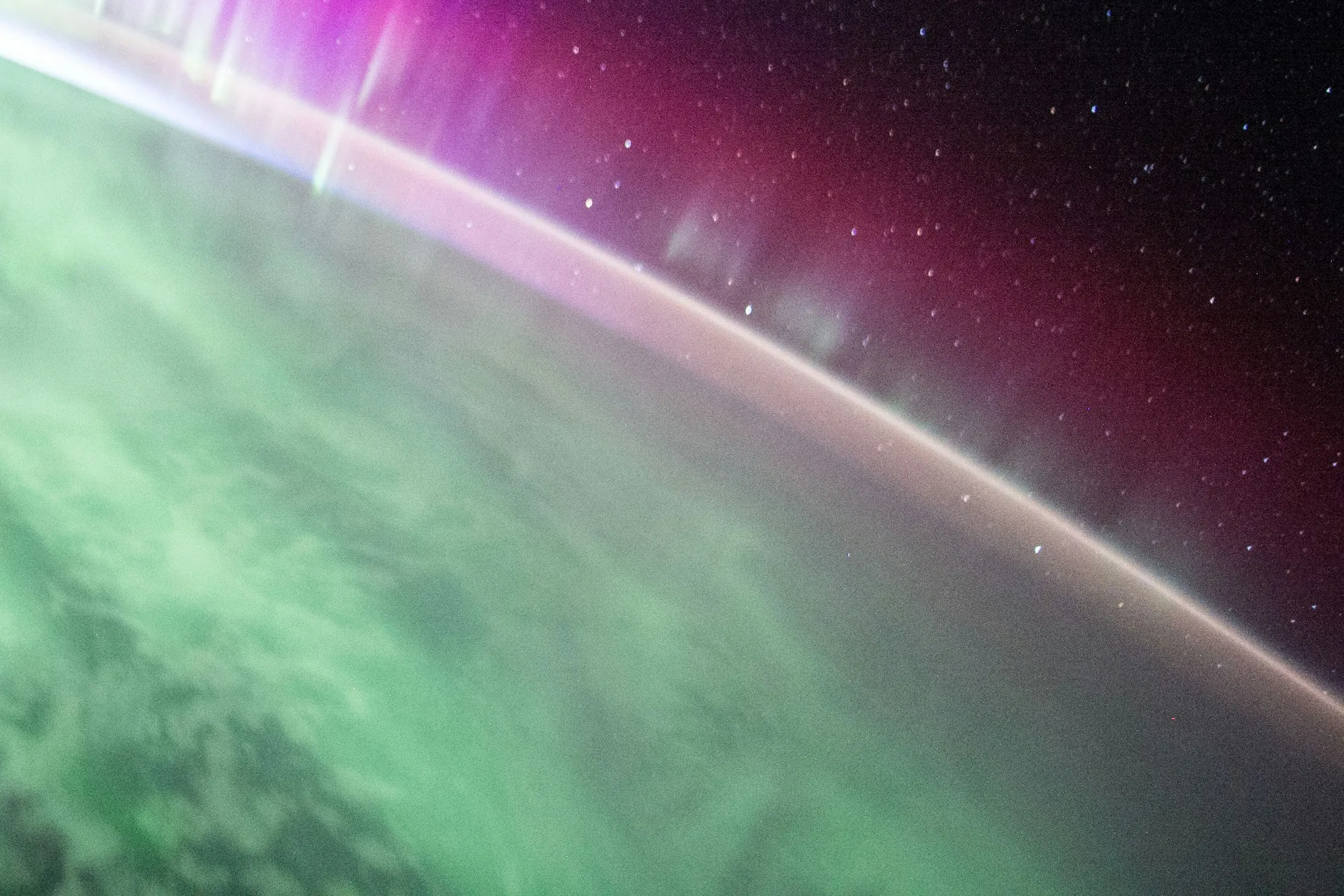
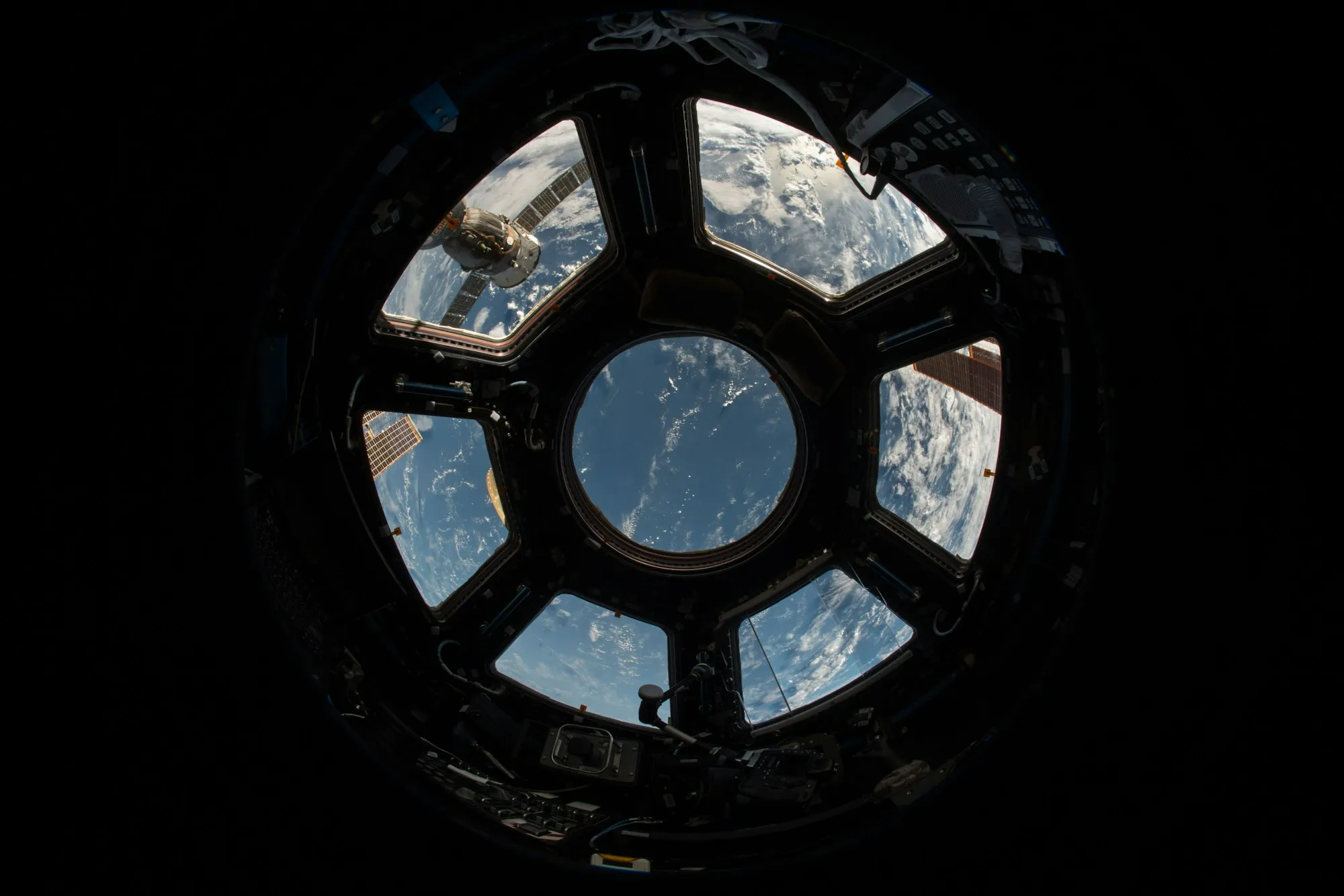
Ten quiet minutes over the polar night, when the aurora runs green beneath the window.
 SpaceX - Human Spaceflight
 View Earth from 300km up.
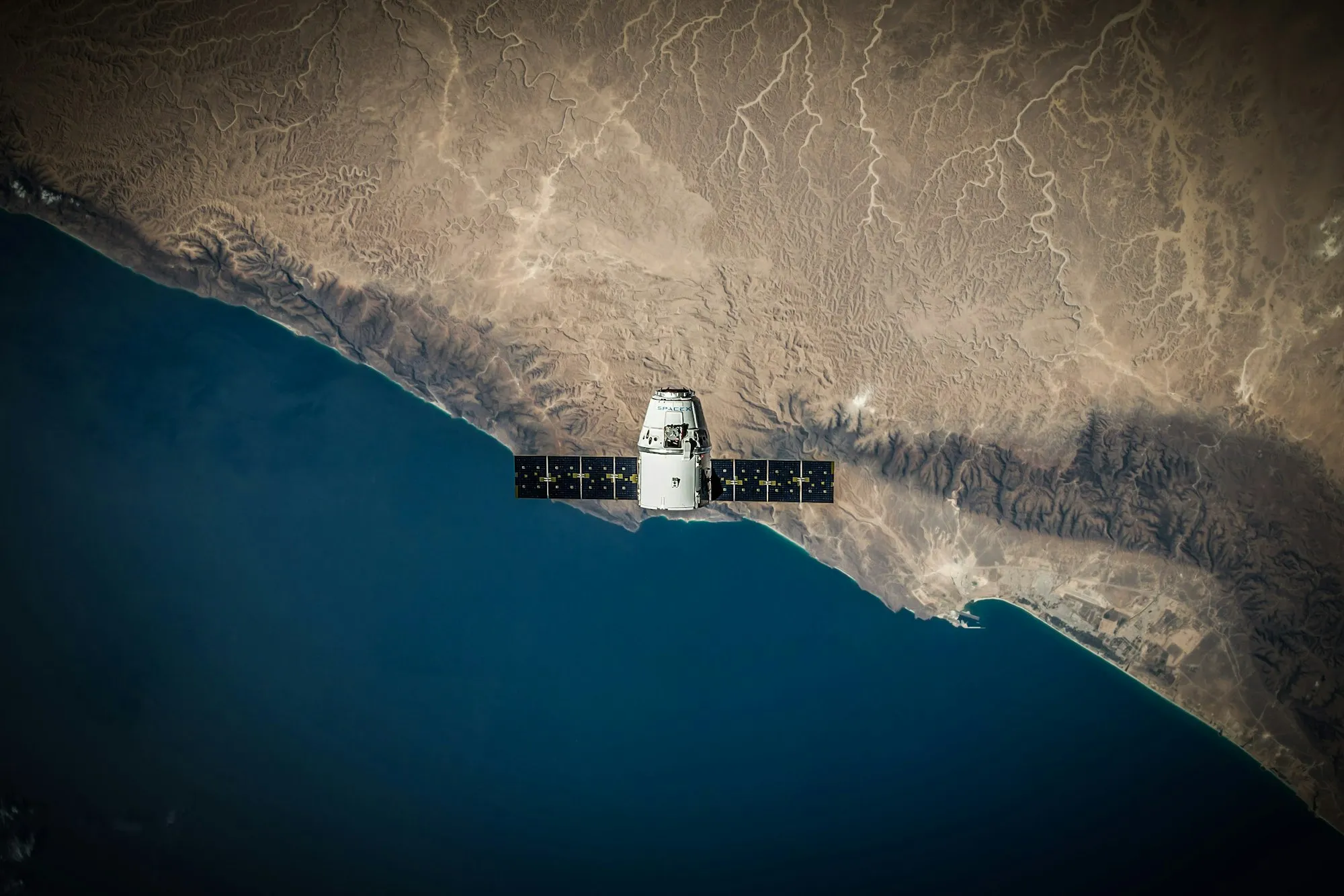
A cabin, a galley, and a month of training first.
Expose for the clouds, then put the camera down and look.
Orbit or station: what you get for the time.
Best first trip to space?
I’ll compare the trips on sale and open what I find.
A few days in orbit is the usual first trip, with sixteen sunrises a day and the whole Earth out of the window (Orbit Weekly). SpaceX flies crews to Earth orbit and to space stations (SpaceX). Station stays run longer and need more training (Meridian Station). All five pages are in the stack beside this chat.
10 actions
Opening view…
Reading document…
Opening view…
Reading document…
Opening view…
Reading document…
Working…Writing…
Ask a follow-up…
GPT-6 Sol
Every page your AI opens is a view on one canvas. Spread a stack into a grid to see the pages side by side, and arrange them your way. Your AI keeps to your layout.
Pictured: Kepler Explorer, zoomed out: beside the conversation, the five pages the AI opened, spread from their stack into a grid on the same canvas; a traveller’s post the answer left out sits first.
IInes Duarte@ines · 3d
Flew three days to orbit last spring. My advice: ask for the night pass over the aurora. Green light under you, stars above, and nobody says a word for ten minutes. We’re booking the aurora pass again.
♡ 212↩ 31Share
Ten quiet minutes over the polar night, when the aurora runs green beneath the window.
SpaceX - Human Spaceflight View Earth from 300km up.
A cabin, a galley, and a month of training first.
Expose for the clouds, then put the camera down and look.
Orbit or station: what you get for the time.
Best first trip to space?
I’ll compare the trips on sale and open what I find.
A few days in orbit is the usual first trip, with sixteen sunrises a day and the whole Earth out of the window (Orbit Weekly). SpaceX flies crews to Earth orbit and to space stations (SpaceX). Station stays run longer and need more training (Meridian Station). All five pages are in the stack beside this chat.
10 actions
Ask a follow-up…
GPT-6 Sol
Step into any page and browse it yourself, even where your AI never went. Ask about the page you’re on, and your AI picks up from there.
Pictured: Kepler Explorer: the aurora pass, reached from a traveller’s post and opened full size; beside it, in Ask AI, the AI, asked “How long over the aurora?”, answers from the page, citing it.
IInes Duarte@ines · 3d
Flew three days to orbit last spring. My advice: ask for the night pass over the aurora. Green light under you, stars above, and nobody says a word for ten minutes. We’re booking the aurora pass again.
♡ 212↩ 31Share
Ten quiet minutes over the polar night, when the aurora runs green beneath the window.
SpaceX - Human Spaceflight View Earth from 300km up.
A cabin, a galley, and a month of training first.
Expose for the clouds, then put the camera down and look.
Orbit or station: what you get for the time.
Best first trip to space?
I’ll compare the trips on sale and open what I find.
A few days in orbit is the usual first trip, with sixteen sunrises a day and the whole Earth out of the window (Orbit Weekly). SpaceX flies crews to Earth orbit and to space stations (SpaceX). Station stays run longer and need more training (Meridian Station). All five pages are in the stack beside this chat.
10 actions
Ask a follow-up…
GPT-6 Sol
Sign in to Kepler to save the pages worth keeping to your Spaces, ready for ChatGPT, Claude and Kepler’s other apps.
Pictured: Planned for Kepler Explorer: signed in to Kepler as Roger, the aurora pass, “The aurora, from above”, is saved to Space trip, at the top of its 25 saves.
IInes Duarte@ines · 3d
Flew three days to orbit last spring. My advice: ask for the night pass over the aurora. Green light under you, stars above, and nobody says a word for ten minutes. We’re booking the aurora pass again.
♡ 212↩ 31Share
Ten quiet minutes over the polar night, when the aurora runs green beneath the window.
SpaceX - Human Spaceflight View Earth from 300km up.
A cabin, a galley, and a month of training first.
Expose for the clouds, then put the camera down and look.
Orbit or station: what you get for the time.
 Roger
Roger 🚀Space trip25 saves
AThe aurora, from aboveaurorapass.example
Human Spaceflightspacex.com
Launch day from the viewing standinstagram.com
Kármán Spaceportmaps.google.com
Packing for zero gravitypinterest.com
The pages you visit, and what’s on them, go only to the AI you choose. Kepler sees only what you save, unless you choose Kepler AI.
Our privacy commitmentKepler Explorer, in preview for macOS. Windows is coming soon.
You’ll join Kepler’s mailing list. Unsubscribe anytime. Privacy policy Your download has started. Download again