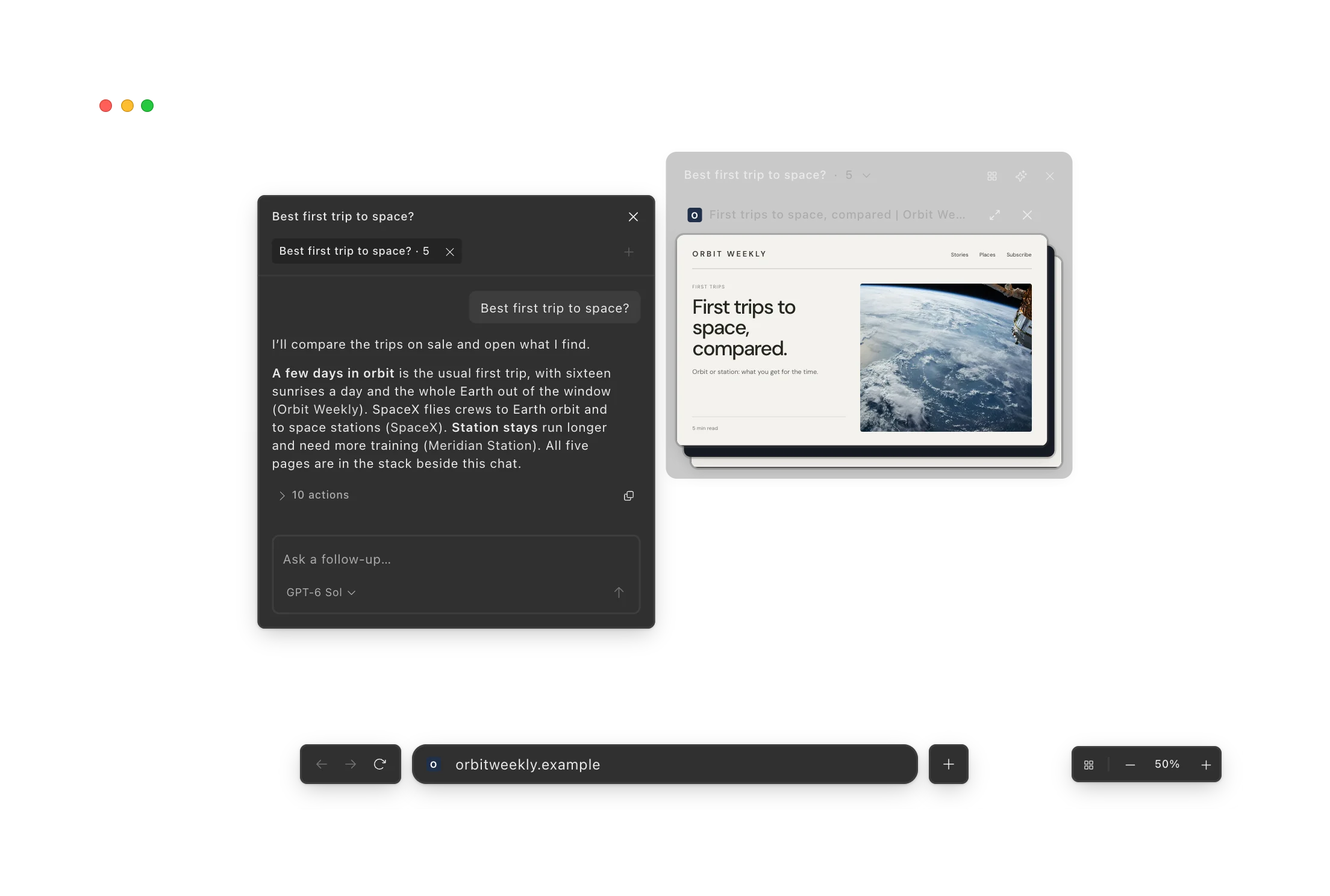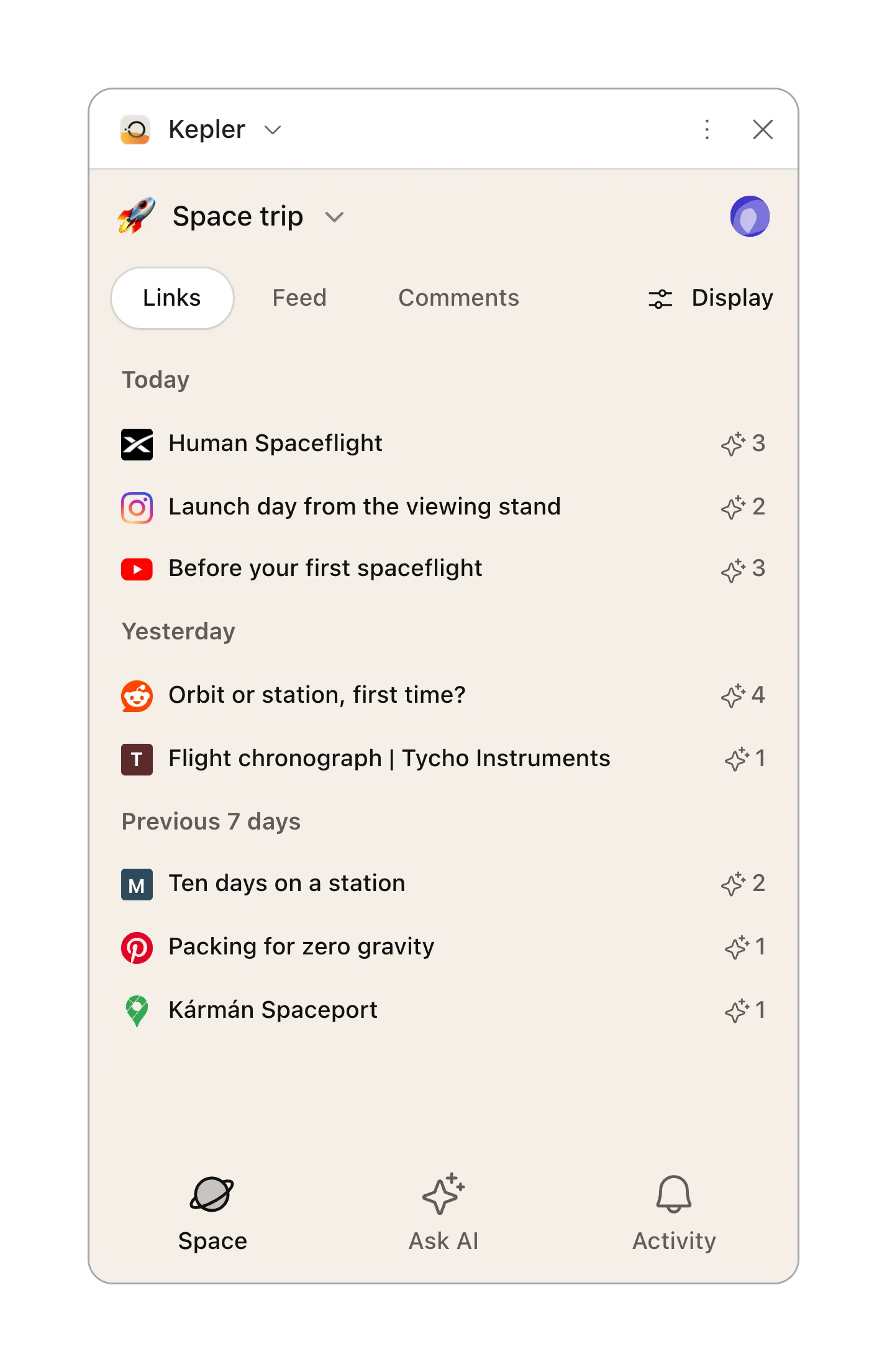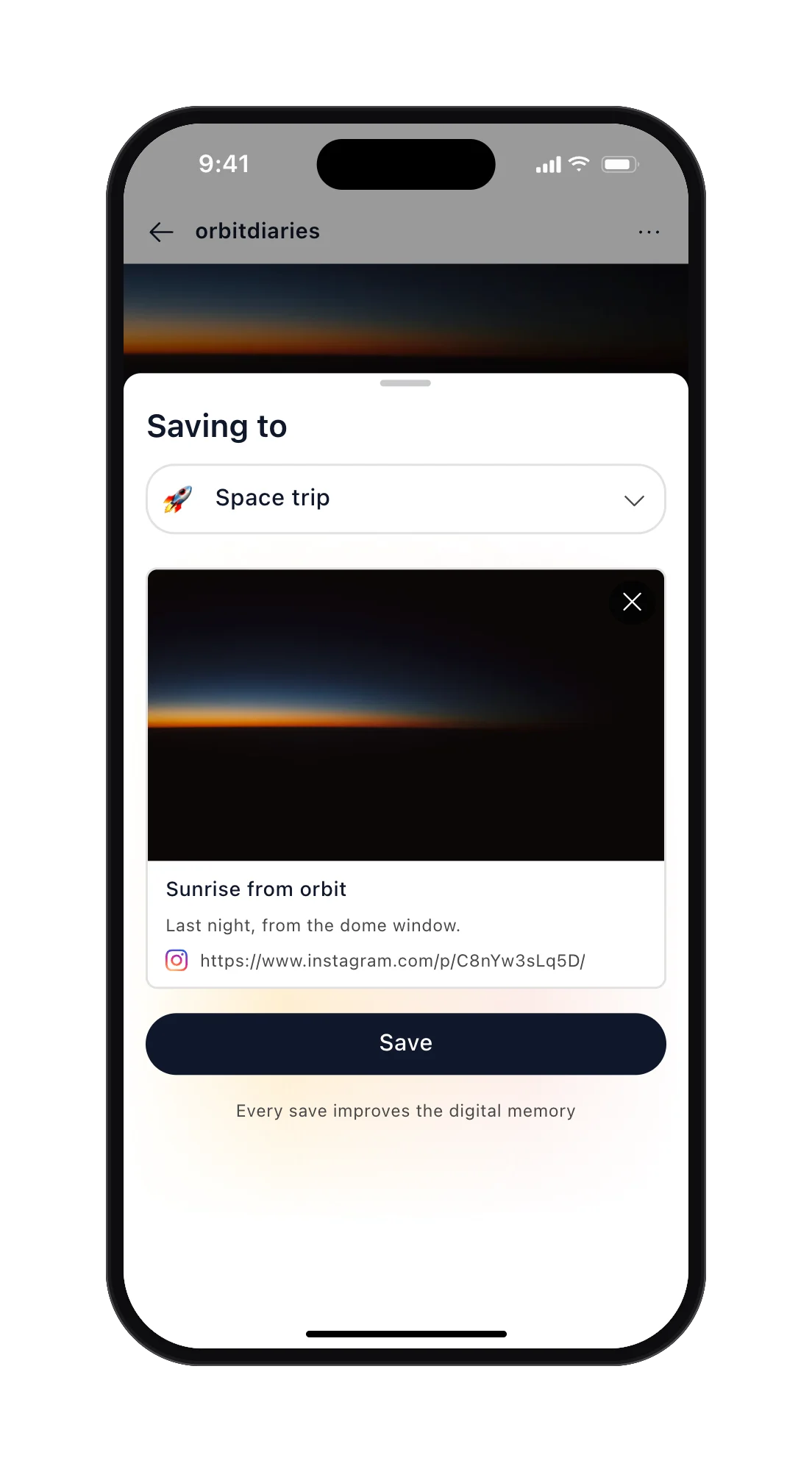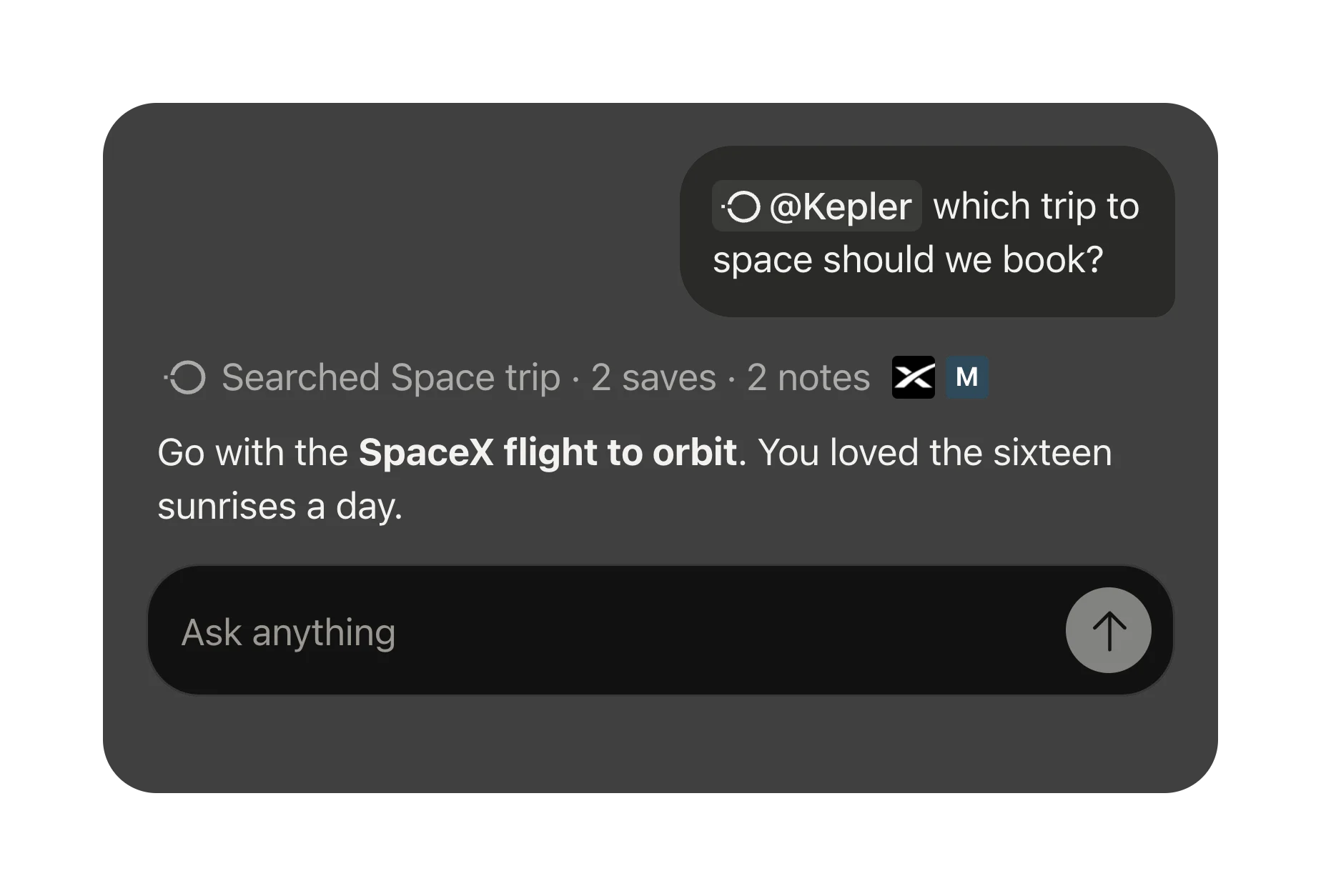
Turn the internet into your context.
Save pages, videos and posts from your browser or phone. Kepler keeps what’s inside them, with your notes, so you can use them as context in Kepler, ChatGPT or Claude.
 spacex.com/humanspaceflight Save to Kepler Saved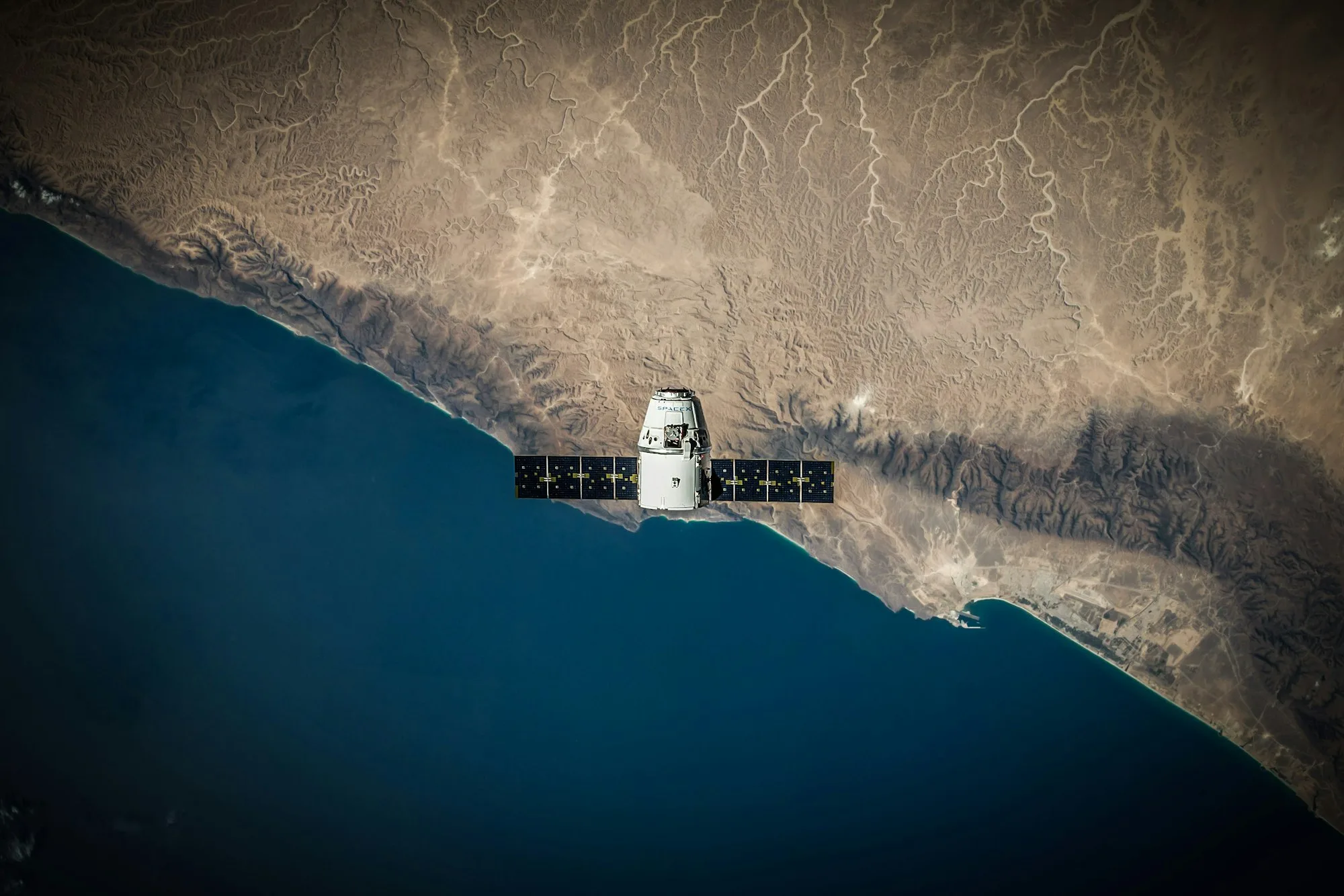
Human Spaceflight
spacex.com
Your note
Add to a space
Human Spaceflight
spacex.com
Space trip
24 saves


Share with Mia
Only you can see this spaceMia can view and add saves
Human Spaceflightspacex.com
MTen days on a stationmeridianstation.com
Orbit vs station, a year onVideo · 12:40
Human Spaceflightspacex.com
MTen days on a stationmeridianstation.com
Kármán SpaceportGoogle Maps · Spaceport
Sixteen sunrises a day.Roger · Human Spaceflight
Ten days is too long for us.Mia · Ten days on a station
Ask about this space
🚀Space trip
Go with the SpaceX flight to orbit. You loved the sixteen sunrises a day, and Mia ruled out the station because ten days is too long.
SpaceXYour noteMia’s note
See what Kepler can do
- Capture.
Capture what matters
Save a page, a video or a post in one click. Kepler remembers what’s inside it, not just the link.
Pictured: “Before your first spaceflight” is saved in one click, and Kepler keeps what’s inside it: “Train for the launch, not the float.” “Pack light: every gram costs fuel.” “Look out of the window, not at your phone.”
- Structure.
Keep it organised
Each save goes into a space for its project. You and your team can add notes as your plans change.
Pictured: it lands in Space trip, now 25 saves, carrying “Pack light: every gram costs fuel.” Mia adds a note to it: “Bring the flight watch, please.”
- Use.
Put it to work
Ask Kepler, ChatGPT or Claude to plan, compare or choose. The answer comes from your saves and notes.
Pictured: your AI, using Kepler, is asked: “Draft a checklist for launch day.” It searches Space trip and answers: “For launch day: pack light, since every gram costs fuel, bring the flight watch Mia asked for, and check in for the SpaceX flight.”
Save from anywhere you find it
YouTube, Instagram, Reddit, TikTok, Pinterest, Notion, Gmail, Google Maps
Your context. Everywhere you work.
Save from your browser and your phone. Use it in Kepler, ChatGPT or Claude.