Mobile app
Share a link to Kepler from the apps you scroll. It keeps what’s inside, your notes and your space’s comments with it, ready for you and your AI.
Saving to
Every save improves the digital memory
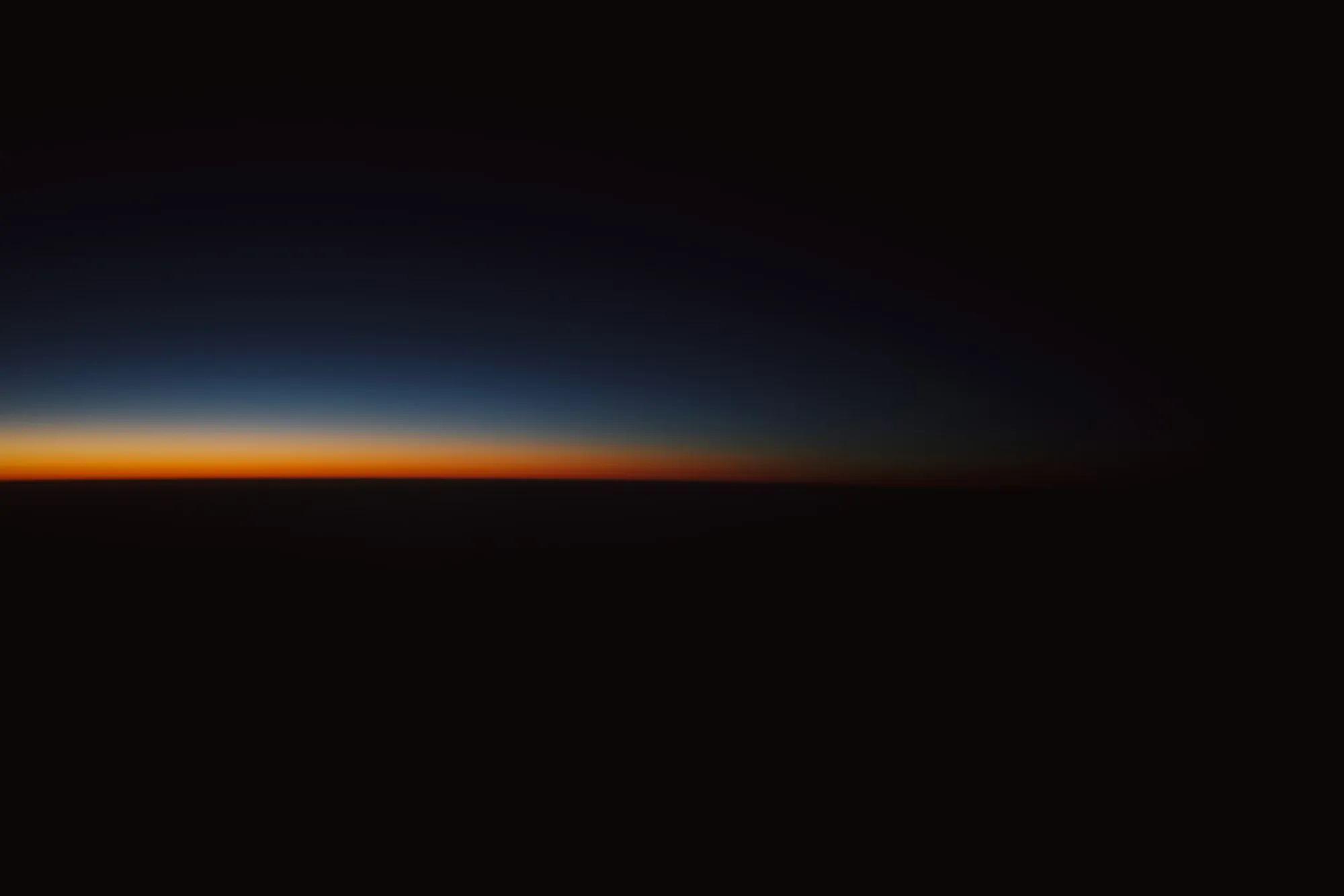 SavedSunrise from orbit
Summaries
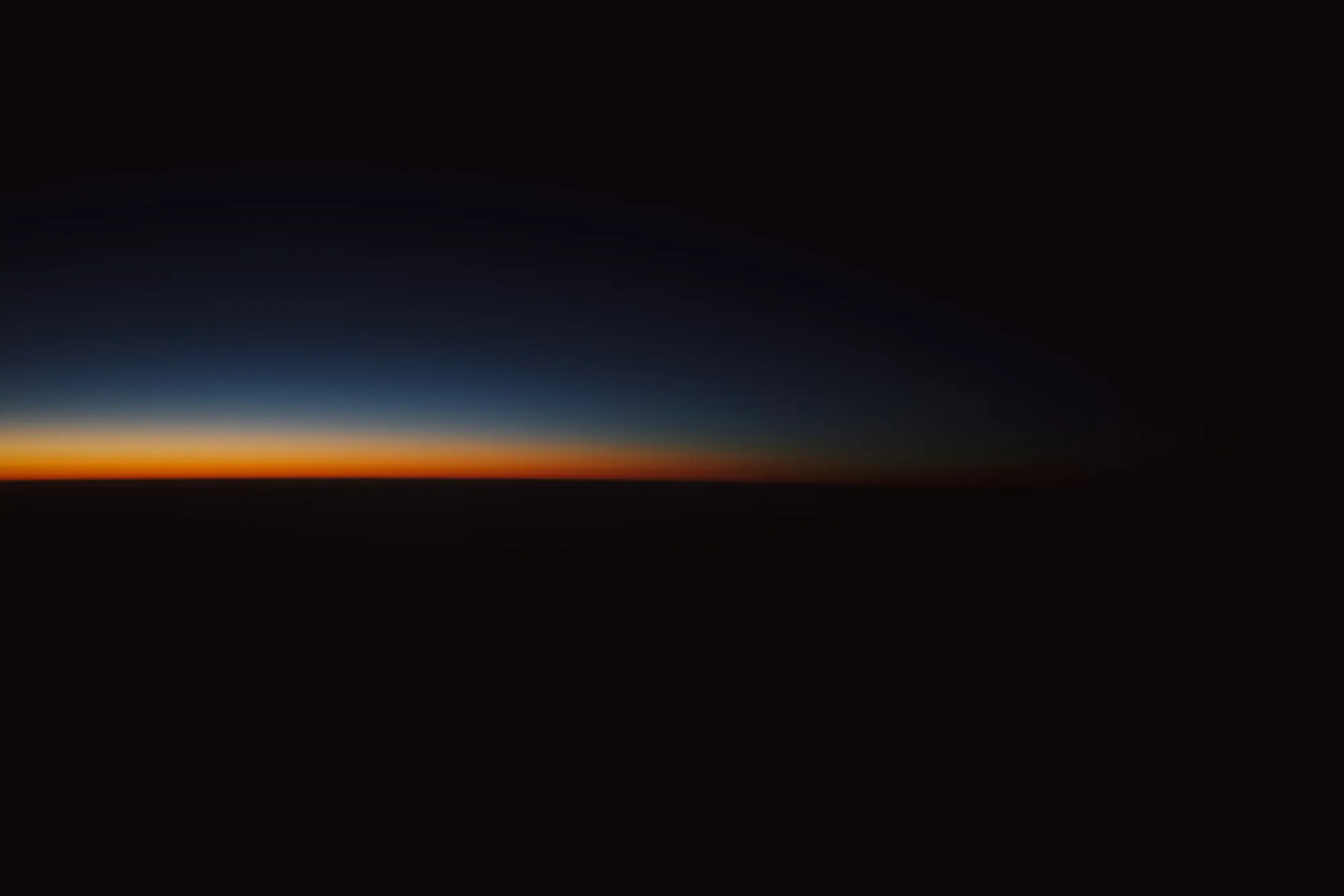
The sun coming up over Earth’s edge, shot through the capsule’s dome window on the second day in orbit.
Notes
Ask for the dome seat at sunrise.
 08/10/2026
Tags
Write a note
Tap Share, then Kepler, in Instagram, YouTube, Safari or anything with a link. Copied a link? It’s ready when you open Kepler.
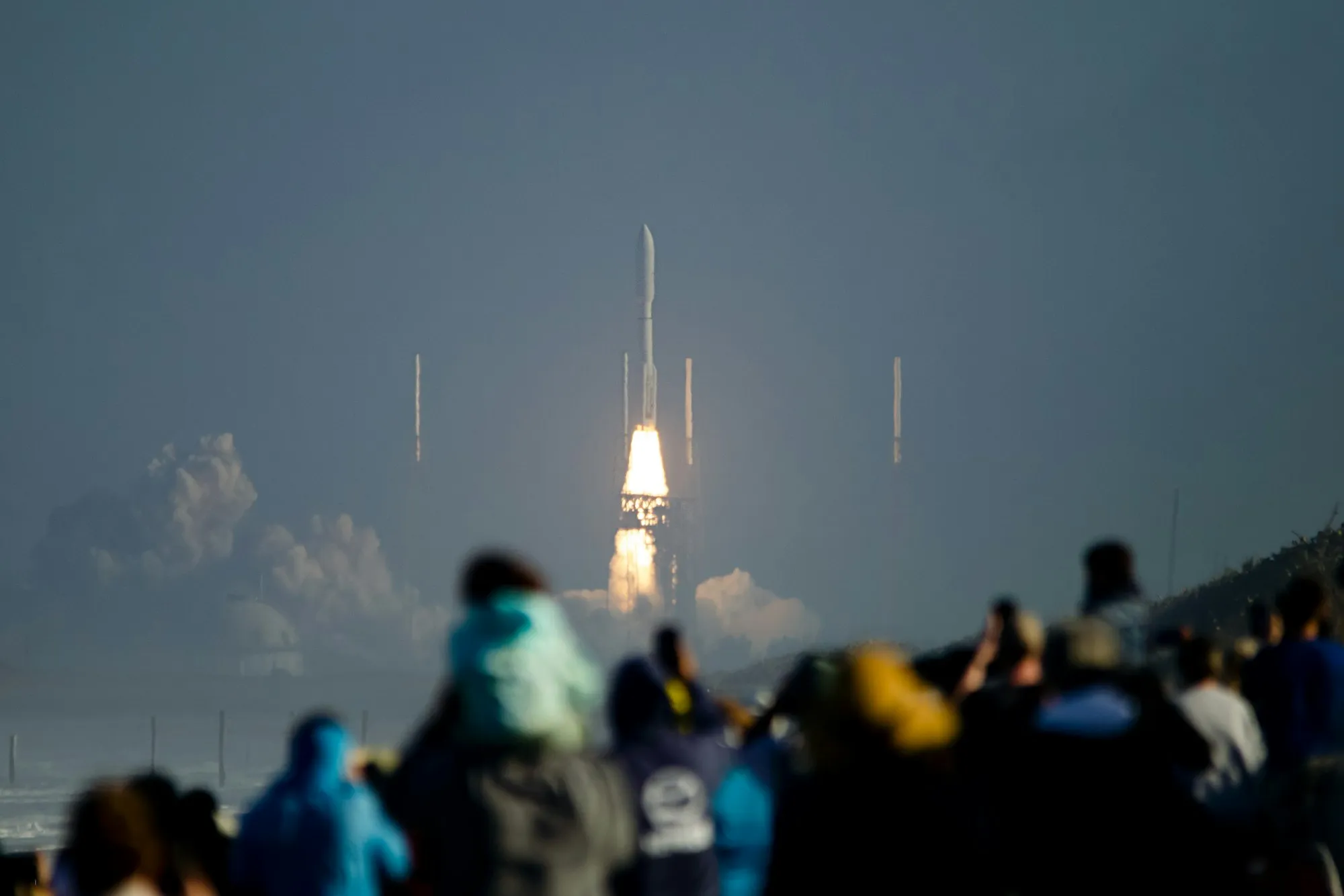
Pictured: Saving Launch day from the viewing stand from another app to Space trip in Kepler: Share, then Kepler.
 Kepler
Saved to Space trip
Open a save and the bar shows how much Kepler remembers. Tap it for the summary, your notes and your space’s comments.
Pictured: Before your first spaceflight, open in Kepler on a phone: a tap on its bar opens what Kepler remembers: its summary, 2 notes and Mia’s comment. Six lessons from a first spaceflight: train for the launch, not the float, pack light, and look out of the window, not at your phone.
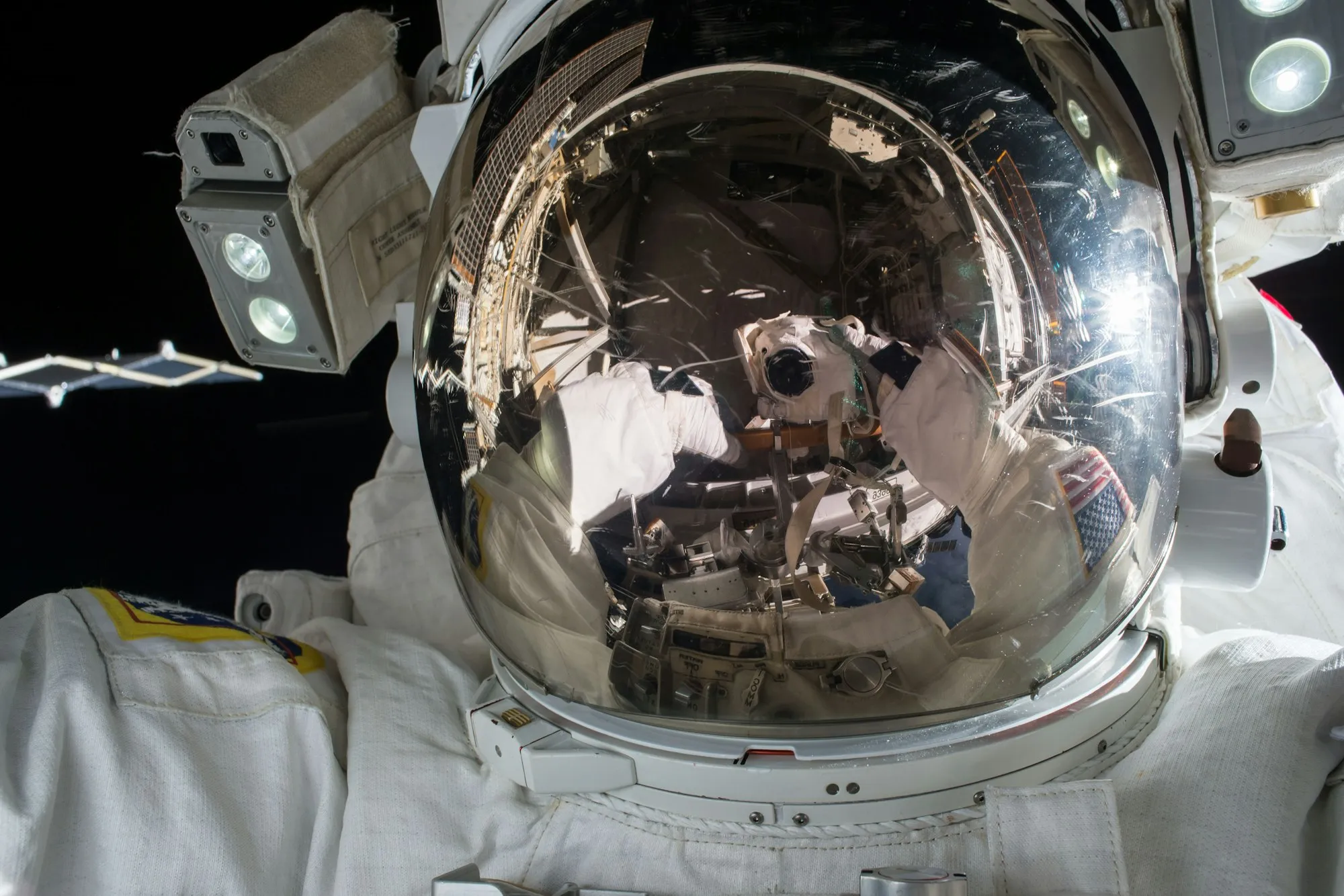 SavedBefore your first spaceflight
What Kepler remembers3 memories
Summaries
Page from YouTube
Six lessons from a first spaceflight: train for the launch, not the float, pack light, and look out of the window, not at your phone.
Notes
Watch it again before training.
06/10/2026
Bring the flight watch, please.
 07/10/2026
Comments
1 comment
Miaan hour ago
The centrifuge day is the hard one.
Search matches a save’s summary, your notes and comments, not just its title, and shows you where it matched.
Pictured: Searching a space in Kepler for “pack light”: 2 saves match, each showing where, like Before your first spaceflight, matched in its summary: “…not the float, pack light, and look out…”
Search linkspack light
RecentClear
trainingorbitbudget
Suggested
space-trips
training
orbit
sunrise
spaceports
packing
2 results
Before your first spaceflight youtube.com/watch?v=q7Fs3oLm2Tk 3
MATCHED IN SUMMARY
…not the float, pack light, and look out…
Packing for zero gravity pinterest.com/pin/917312004586231 2
MATCHED IN NOTE
Pack light, then take half of it out.
Add a note for yourself or start a thread. Mention someone in the space, or mention Kepler and it replies from what you’ve all saved.
Pictured: A thread: Mia: “Do we need astronaut training?” Roger: “@Kepler what did we save about training?” Kepler answers: “The Reddit thread you saved says about two weeks of training, and Mia’s note says the centrifuge day is the hard one.”
What Kepler remembers3 memories
Comments
1 comment2 comments3 comments
Miaan hour ago
Do we need astronaut training?
Rogera few seconds ago
@Kepler what did we save about training?
Keplera few seconds ago
The Reddit thread you saved says about two weeks of training, and Mia’s note says the centrifuge day is the hard one.
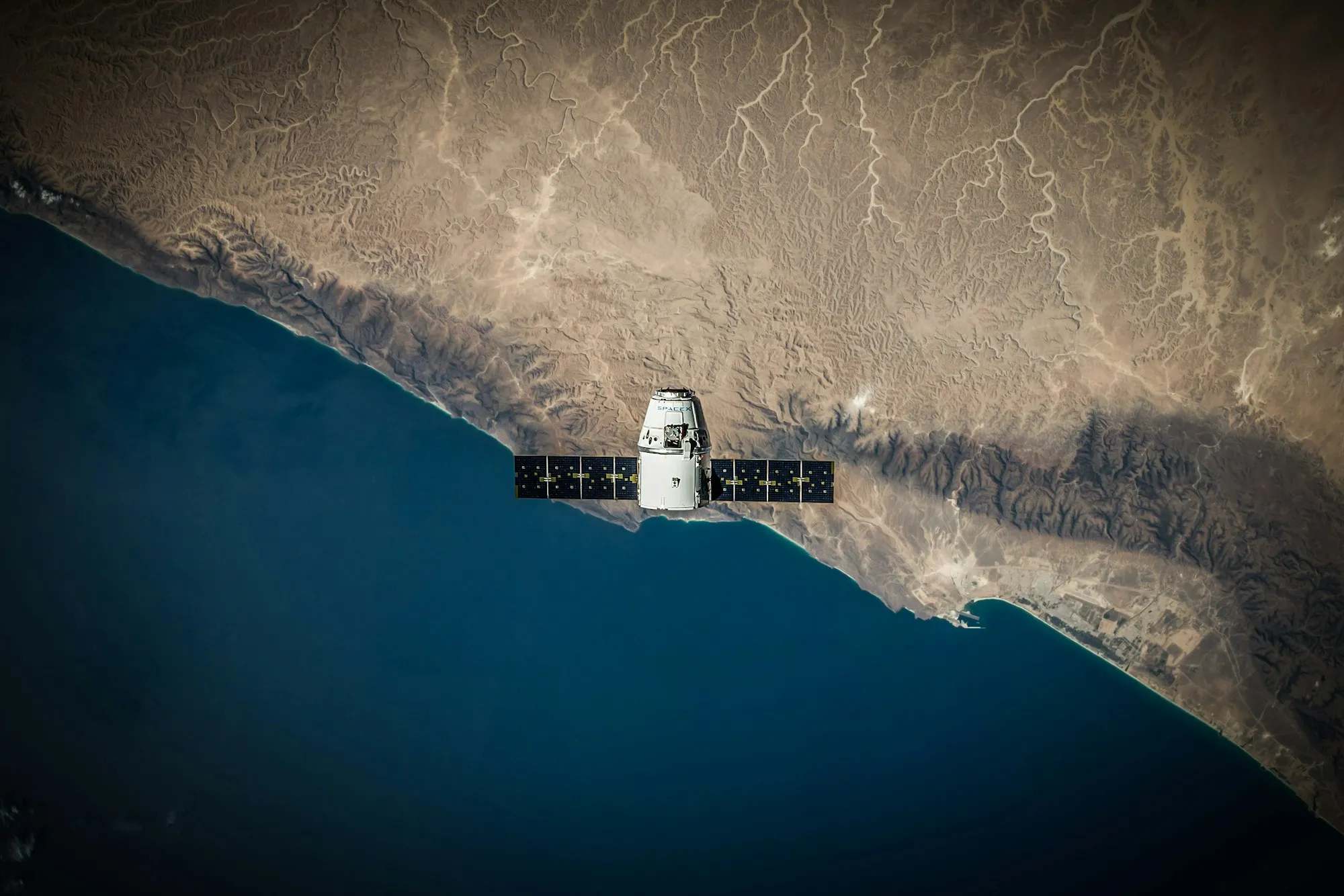 SavedHuman Spaceflight
KeplerRespond to this comment
Miamia@example.com
Start a threadReply to this thread
Comment
Tap ✦ and ask about anything you’ve saved. Kepler suggests questions from your space and answers from your saves.
Pictured: Kepler on a phone: a new chat in Space trip suggests questions; “What should we pack for launch day?” is tapped, and Kepler searches the space and answers from 2 saves.
New Chat
What should we pack for launch day?
Searching space memory for context
Pack light: the video says every gram costs fuel. And bring the flight watch Mia asked for.
What should we pack for launch day?
Compare the SpaceX flight and the station
Plan our day at Kármán Spaceport
Ask anything about your space
🚀Space trip Auto
Keep a space for each trip or project and invite people by email. Comments and mentions reach you as notifications, and Feed shows what’s new.
Pictured: Kepler on a phone: mia@example.com is invited to Space trip by email and listed as invited. Back in the space, Mia is in its members and the Feed shows Mia’s comment under Human Spaceflight: “Agreed. Can we ask about seats on Saturday?”
🚀Space trip
Feed
Human Spaceflightspacex.com · 1m
1 comment
Miaa minute ago
Agreed. Can we ask about seats on Saturday?
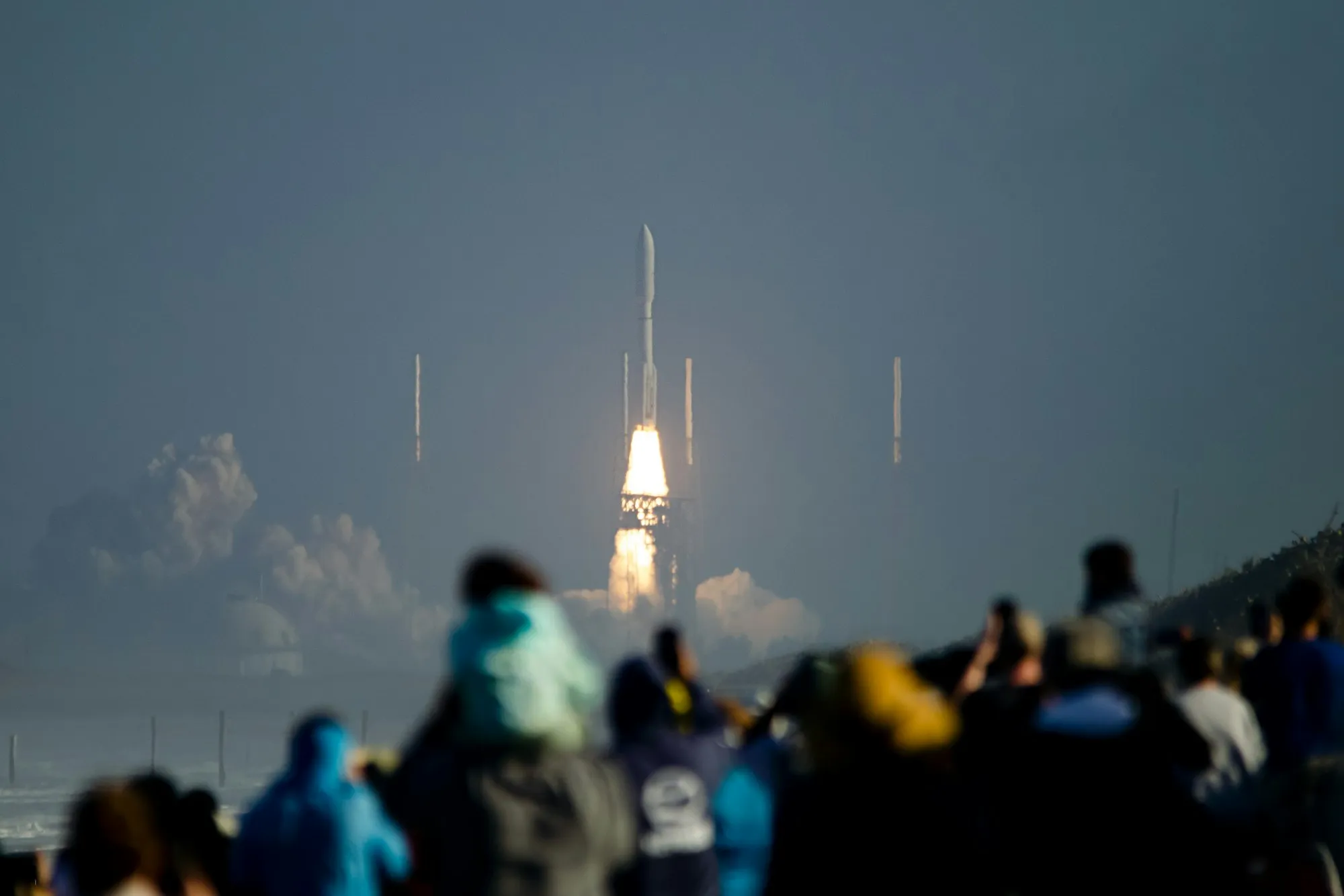 Launch day from the viewing standinstagram.com · 1h
Page
A crowd on the viewing stand at Kármán Spaceport, watching a crewed flight lift off.
Sunrise from orbitinstagram.com · 2h
Page
The sun coming up over Earth’s edge, shot through the capsule’s dome window on the second day in orbit.
Collaborate on your space to share links, ideas, and discoveries together.
Roger Lee(You)owner
mia@example.cominvited
Invite with email
Your phone is where you come across things: on the bus, in a queue, on the sofa. Save them there, and they’re ready on your laptop when you are.
Planning.
Save places and ideas from any app into a space you share with the people going.
Cooking.
Share a reel or a video to Kepler with a note on when you’ll make it. It keeps what’s inside, ready when you cook.
Research.
Save sources wherever you find them, then go deep at your desk with the browser extension.
Free to start, on iPhone, iPad and Android.