Toolbox

The web is for exploration, productivity and creativity. In this toolbox you’ll find the free tools we wanted to make for everyone.
Design tools
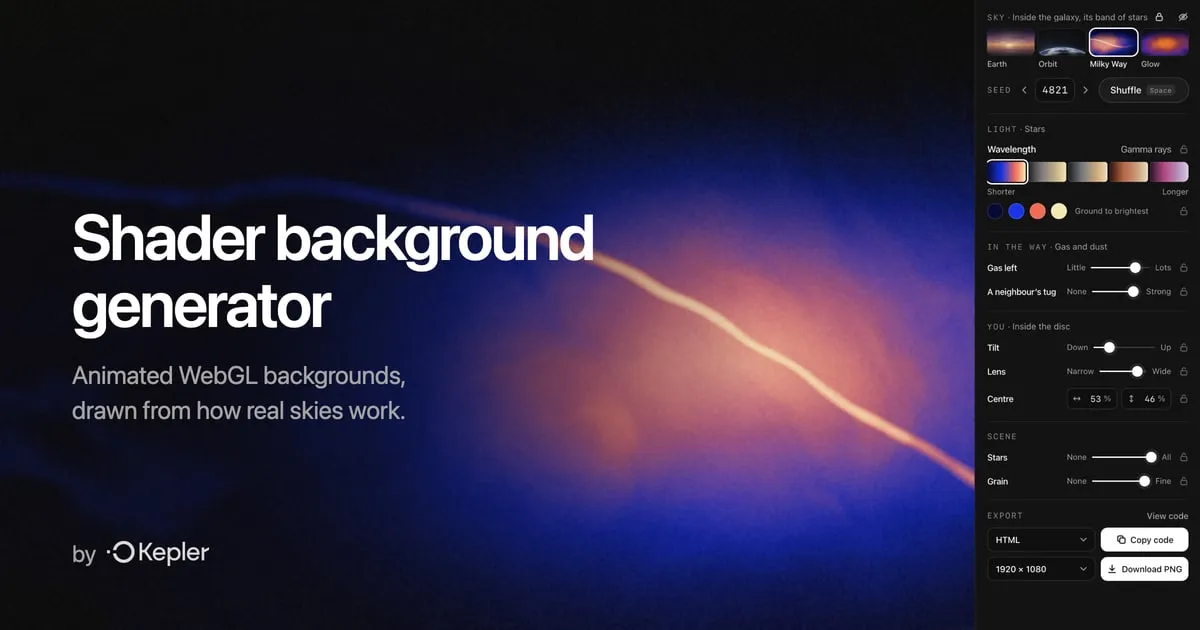 Shader background generator Animated WebGL backgrounds drawn from how real skies work. Pick a sky, shuffle the seed, and copy it as HTML, React or GLSL, or download a PNG.
Prompt library
Each prompt sets up an assistant for one job. Save it as an agent in Microsoft 365 Copilot, a custom GPT in ChatGPT or a Project in Claude, and it’s there whenever the job comes round.
- Status update agent Paste your week in any order and get back a status report with a RAG status and risks. Pyramid Principle (BLUF) · MECE · RAG status · RAID log · SMART CopilotChatGPTClaude
- Meeting notes agent Messy notes in. Decisions, actions with owners and open questions out, ready to send. DACI decision log · SMART actions, one owner each · RAID · Parking lot CopilotChatGPTClaude
- Project onboarding agent New starters ask the agent instead of you: project overviews, the latest documents, and who’s working on what. Project Model Canvas · Diátaxis · RACI · 30-60-90 day plan · BLUF CopilotChatGPTClaude
Questions
- What’s in the Toolbox?
- Design tools, starting with a shader background generator for designers and developers, and a prompt library of 3 prompts: status update agent, meeting notes agent and project onboarding agent.
- Can I use them at work?
- Yes. Copy the prompts, change them and share the agents you build, at work or for clients. The shader generator’s code is under the MIT licence.
- Which AI tools do the prompts work with?
- Microsoft 365 Copilot, ChatGPT and Claude. Save a prompt as a Copilot agent, a custom GPT or a Claude Project, and each prompt’s page shows the steps for all three.
- Who makes the Toolbox?
- Kepler, which saves what you find on the web for you, your team and your AI. These are what we build along the way.