
Say hello to Kepler, your way 👋
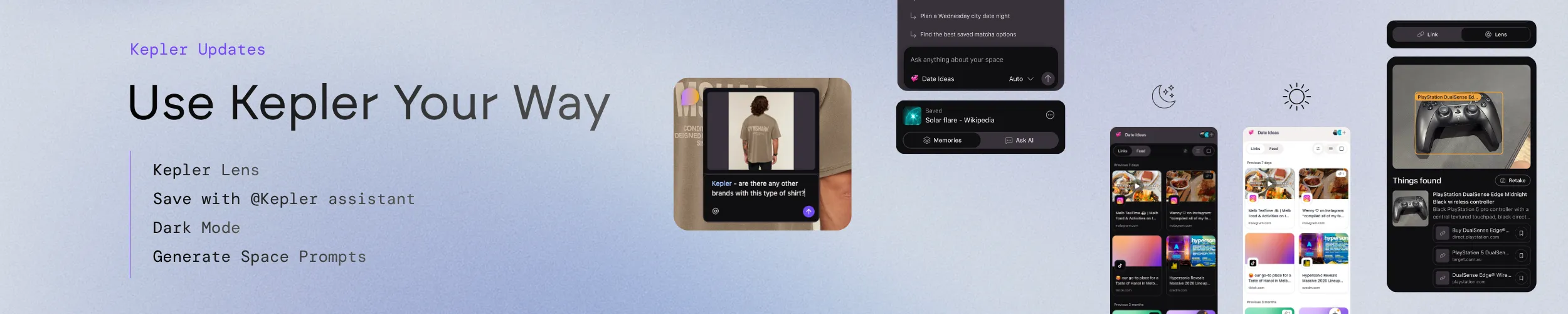
Kepler exists to turn what you find into context your AI can actually use. The last update added new ways to create that context and a clearer way to see it. This one is about making Kepler fit you: save from a photo as well as a link, pick the look you prefer, start a chat from what is in your space, and ask for help wherever you happen to be.
What’s new:
- 📸 Lens (Preview): find and save links from your photos
- 🌙 Dark mode: light, dark, or whatever your device is doing
- 💬 Chat suggestions: start a conversation from your saved links and annotations
- 🙋 @Kepler in comments: mention Kepler when you need a hand, or @ people on mobile
- ✨ Polish: smoother link saving, better layouts, and bug fixes
📸 Lens (Preview): find and save links from your photos
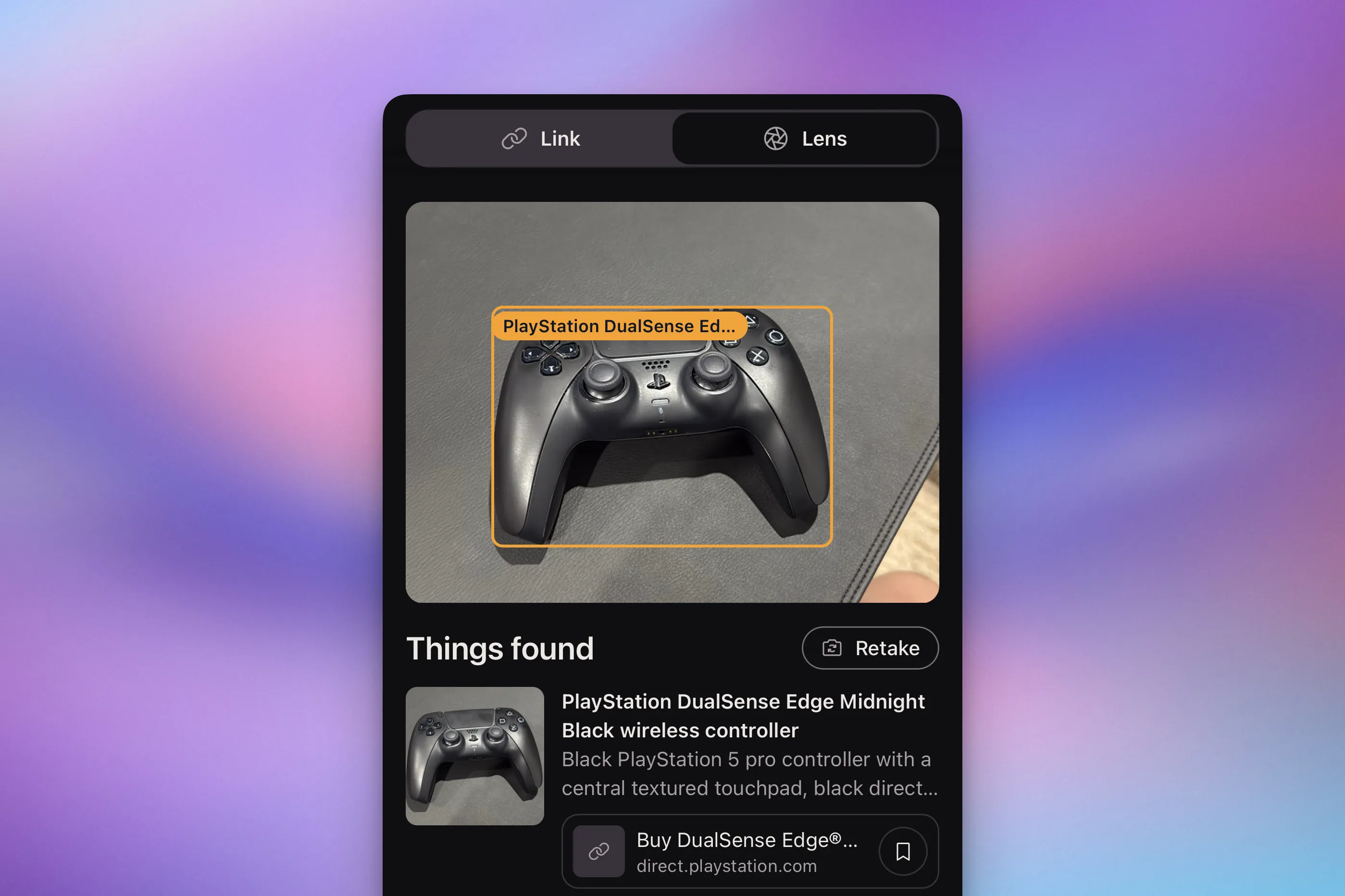
Not everything worth saving starts as a link. It might be an artwork that stops you in a gallery, a pair of sneakers you want to buy, a book on a friend’s shelf, or a poster for a gig. Until now, getting any of those into Kepler meant remembering the name, searching for it later, and saving whatever you found.
With Lens, you start from the photo. Give Kepler a picture and it works out what is in it, then finds the best matching link for you to save into a space. A photo of a painting you stopped in front of becomes a link to the artwork in your inspiration space. A photo of the sneakers you have been eyeing becomes their product page in your wishlist. Once saved, it behaves like everything else in your memory: organised, searchable, and available to whichever AI tools you connect.
Lens is in Preview, and we are making it available to everyone so you can try it out. Some matches will be spot on and some will miss, so you see the link before it is saved and you choose where it goes. As with video summaries, what lands in your memory is the link and its context, not the photo itself.
👉 See it in the real world, save it as context.
🌙 Dark mode is here
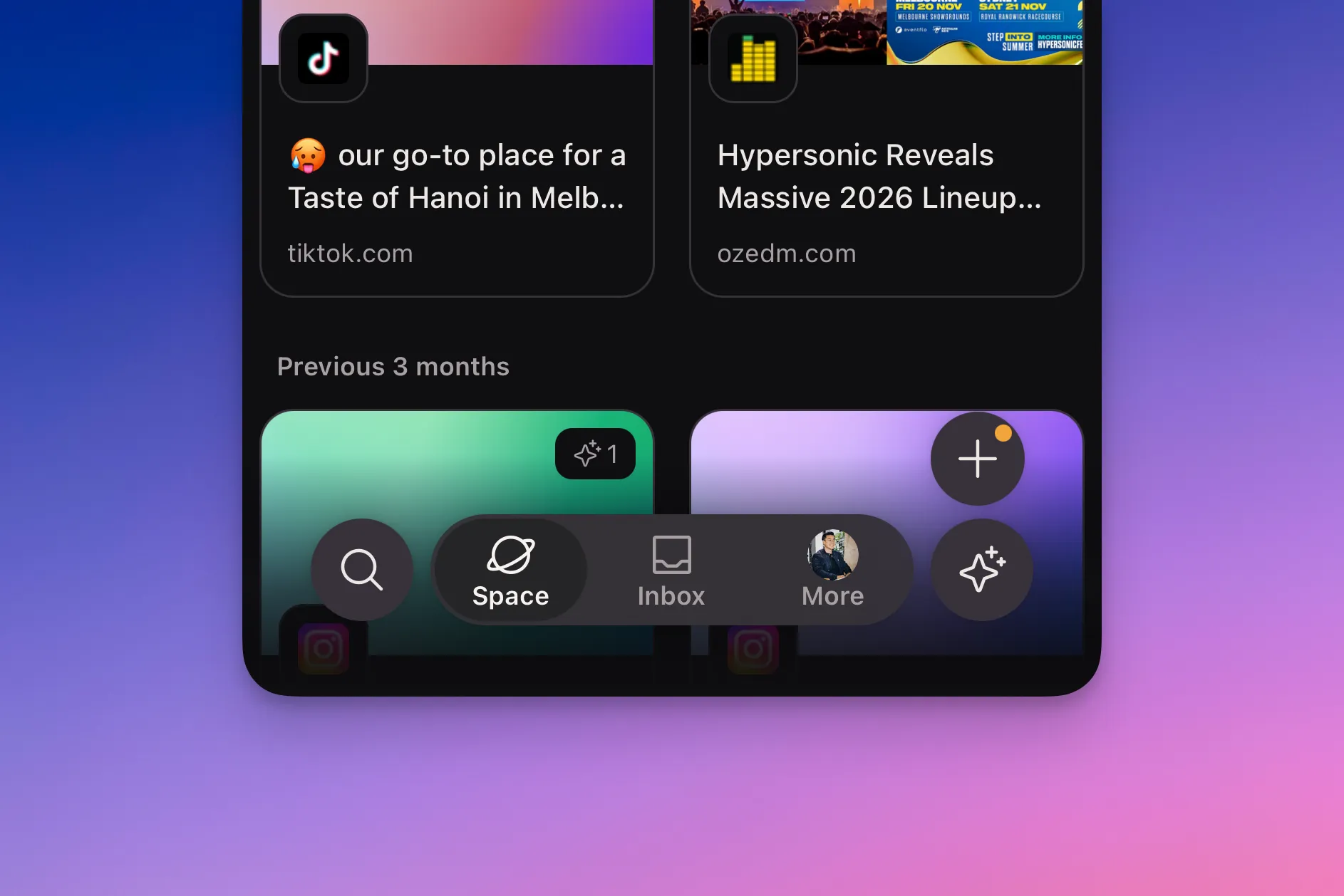
Everyone has been asking, and now it is here. Dark mode is available on both the mobile app and the browser extension.
Choose light or dark, or set Kepler to follow your device so it switches when everything else does. Nothing about your Feed, your spaces or your chats changes. It is the same Kepler, easier on the eyes.
👉 Pick a side, or let your device decide.
💬 Start a chat from what you have already saved
An empty chat box is a strange kind of hurdle. You know there is useful material in your memory, but you have to remember what is in there before you can ask about it.
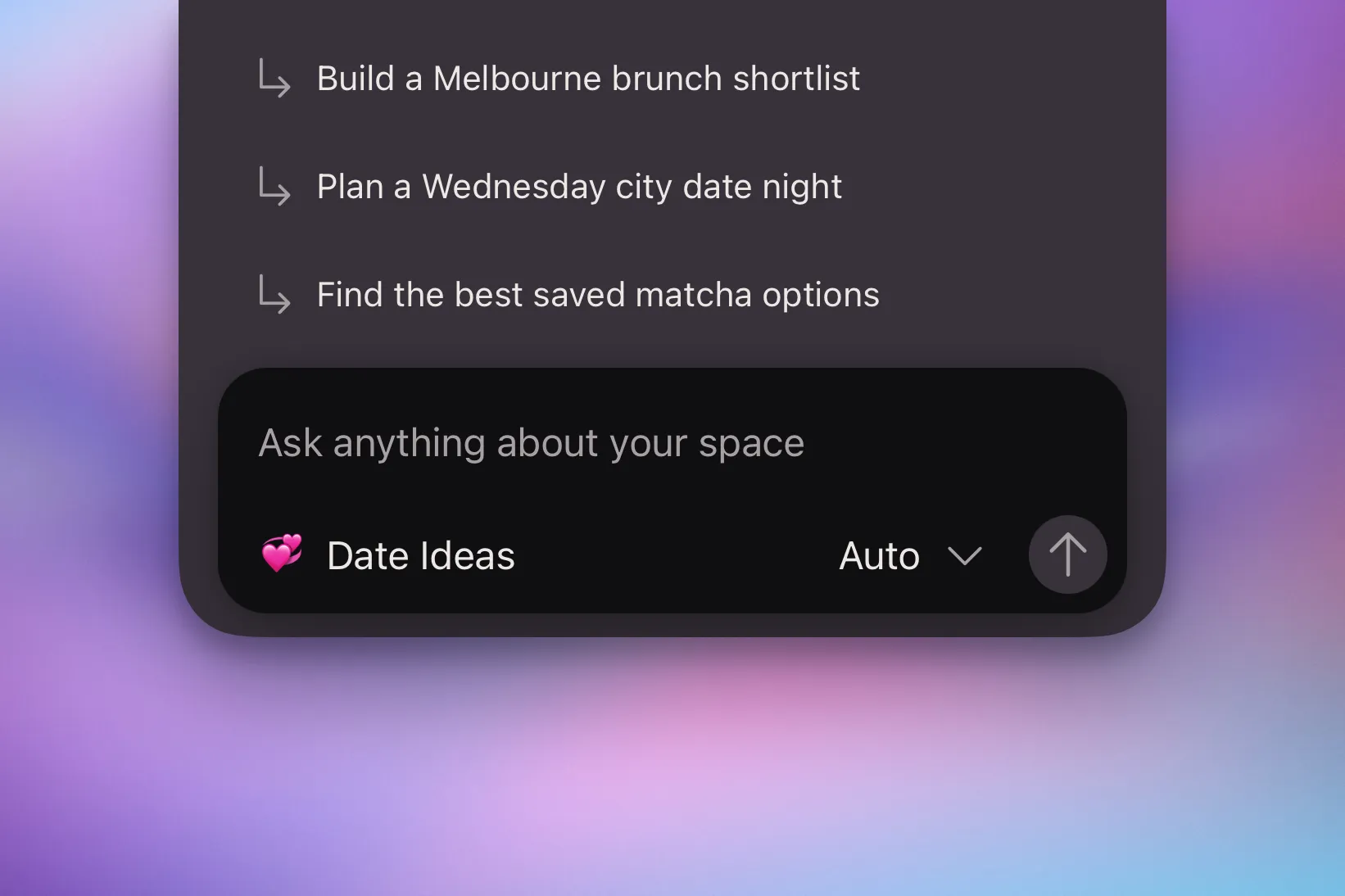
Kepler chat is now aware of the space you are in. When you start a chat, it offers suggestions for getting the most out of the links you have saved there and the annotations you added to them. Pick one and the conversation begins from your own context instead of a blank page.
The suggestions change with the space. A research space might give you topics to write up. A space full of artworks might guide you towards inspiration.
👉 Start from what you saved, not from a blank box.
🙋 Mention @Kepler when you need a hand
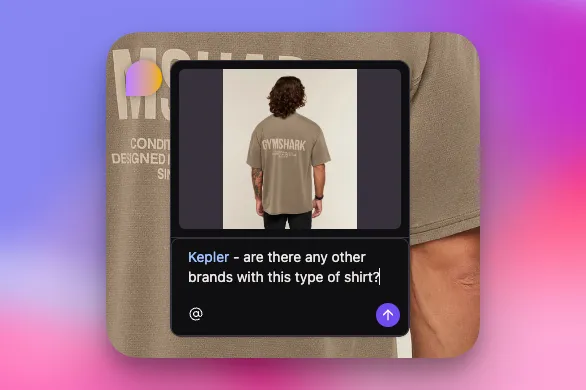
Comments are where the thinking around a save happens: the question about a link, the detail you want checked, the “is this the one we meant?” Until now, getting Kepler’s help meant leaving that thread and opening a chat.
Now you can mention @Kepler right in a comment. Ask it to summarise the link, pull out the detail you need, or answer a question about it, and it replies in the thread, where the conversation already is.
It is the same assistant, with the same memory behind it. You just no longer have to go somewhere else to reach it.
Mentions are not only for Kepler. On mobile, you can also @ people: just leave a comment and mention whoever you want to bring in.
👉 Need a hand? Mention @Kepler where the conversation already is.
✨ Smoother saving, better layouts, and bug fixes
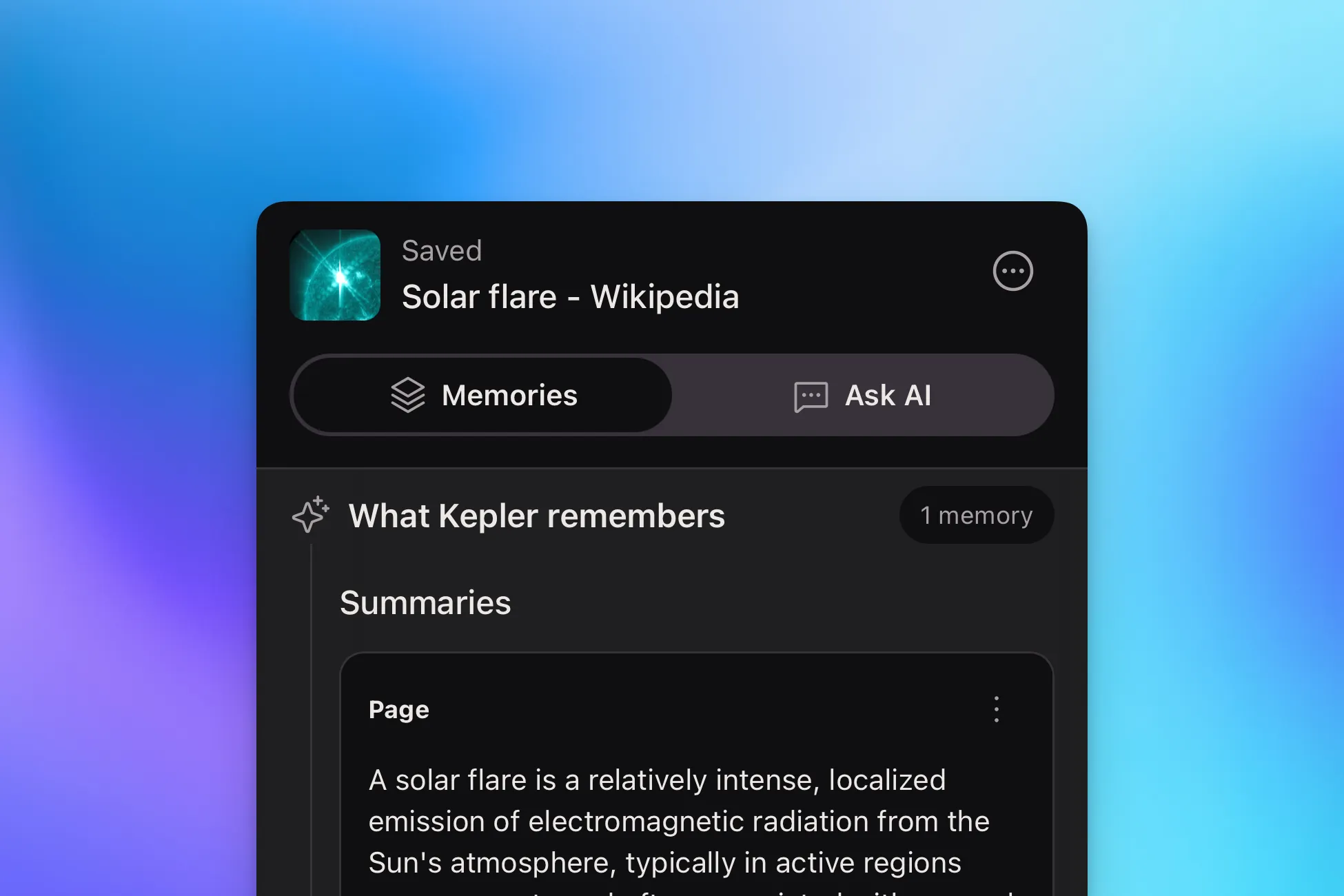
Alongside the headline features, saving a link is smoother, a number of layouts have been tidied up, and we fixed a batch of bugs. None of it needs explaining. Kepler should simply feel a little quicker and a little more settled.
👉 The small things, sorted.
Your context, your way
The theme running through this release is choice. Save with a link or a photo. Read in light or dark. Start a chat from a blank box or a suggestion. Ask Kepler in a chat or in a comment. The more Kepler fits the way you already work, the more context you will build, and the better every AI tool you connect to it.
Get Kepler → and point Lens at the next thing you want to remember.