
Say Hello to Kepler 2.4 👋
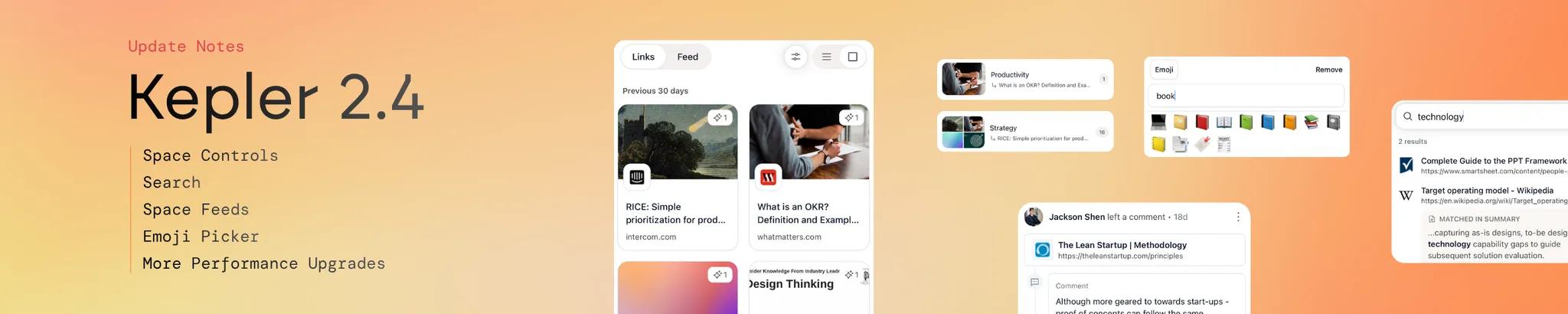
Kepler 2.4 is all about giving you more control over how you use your Spaces. Browse your links as a visual grid or flip to a scrollable feed. Filter, sort, and search to find exactly what you need. Even personalise each space with an emoji.
However you like to work, your Space should work the same way.
What’s new:
- 🎨 Refreshed Space view — richer cards, time grouping, filters, sorting, and a cleaner layout
- 🔎 Search — find any saved link instantly with text search
- 📰 Feed — a scrollable digest of everything saved in your space
- 😀 Emoji picker — give your spaces a bit more personality
🎨 Refreshed Space View
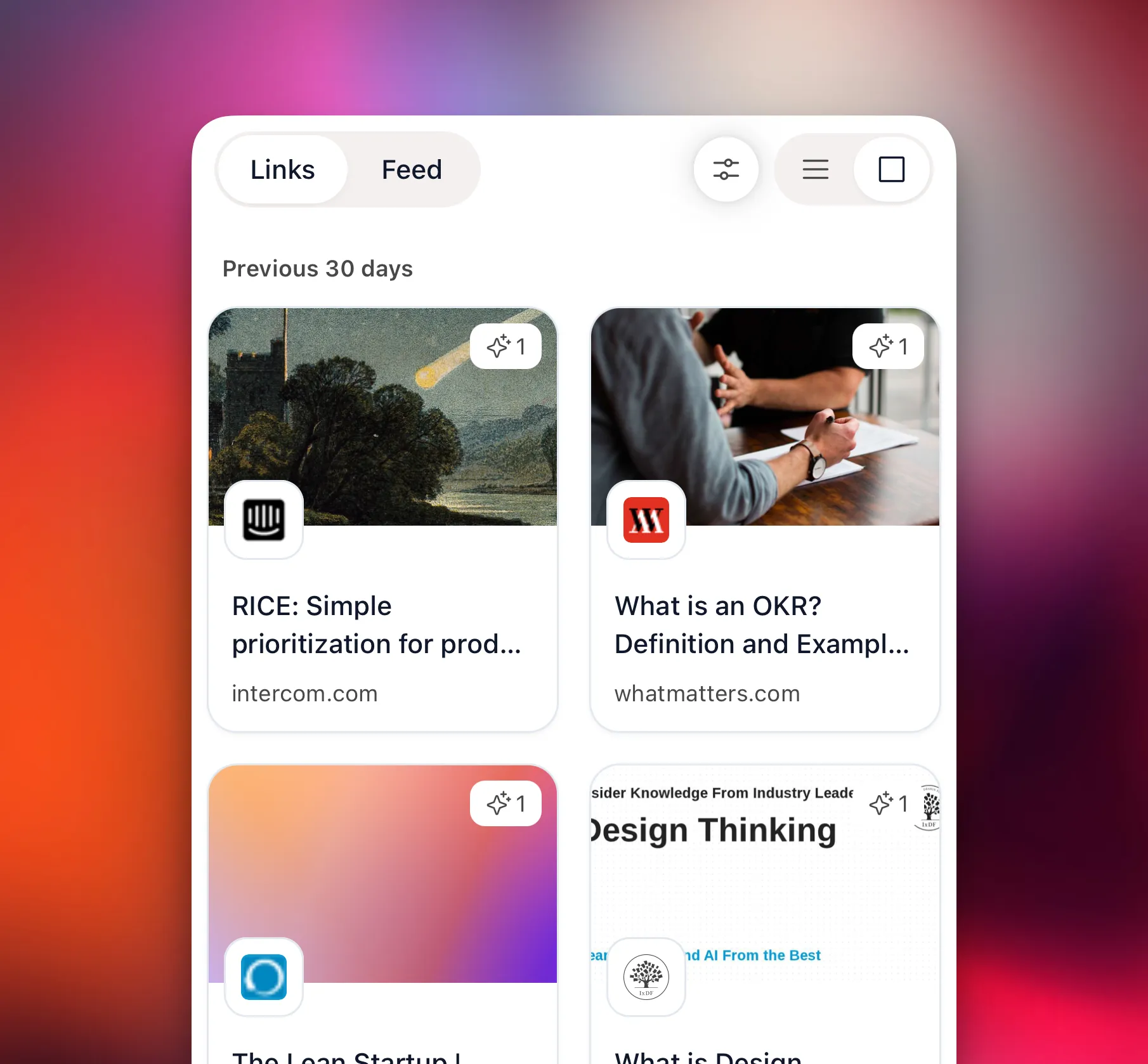
We’ve redesigned the Space view from the ground up.
Links can now display as rich cards — with thumbnails, titles, and source domains — grouped by time so you can quickly orient yourself in what you’ve saved. Switch between Links and Feed tabs depending on how you want to engage with your space.
Whether you have 10 saved links or 1,000, it’s now much easier to see what’s in your space at a glance.
👉 A richer, more visual home for your saved context.
🔎 Search
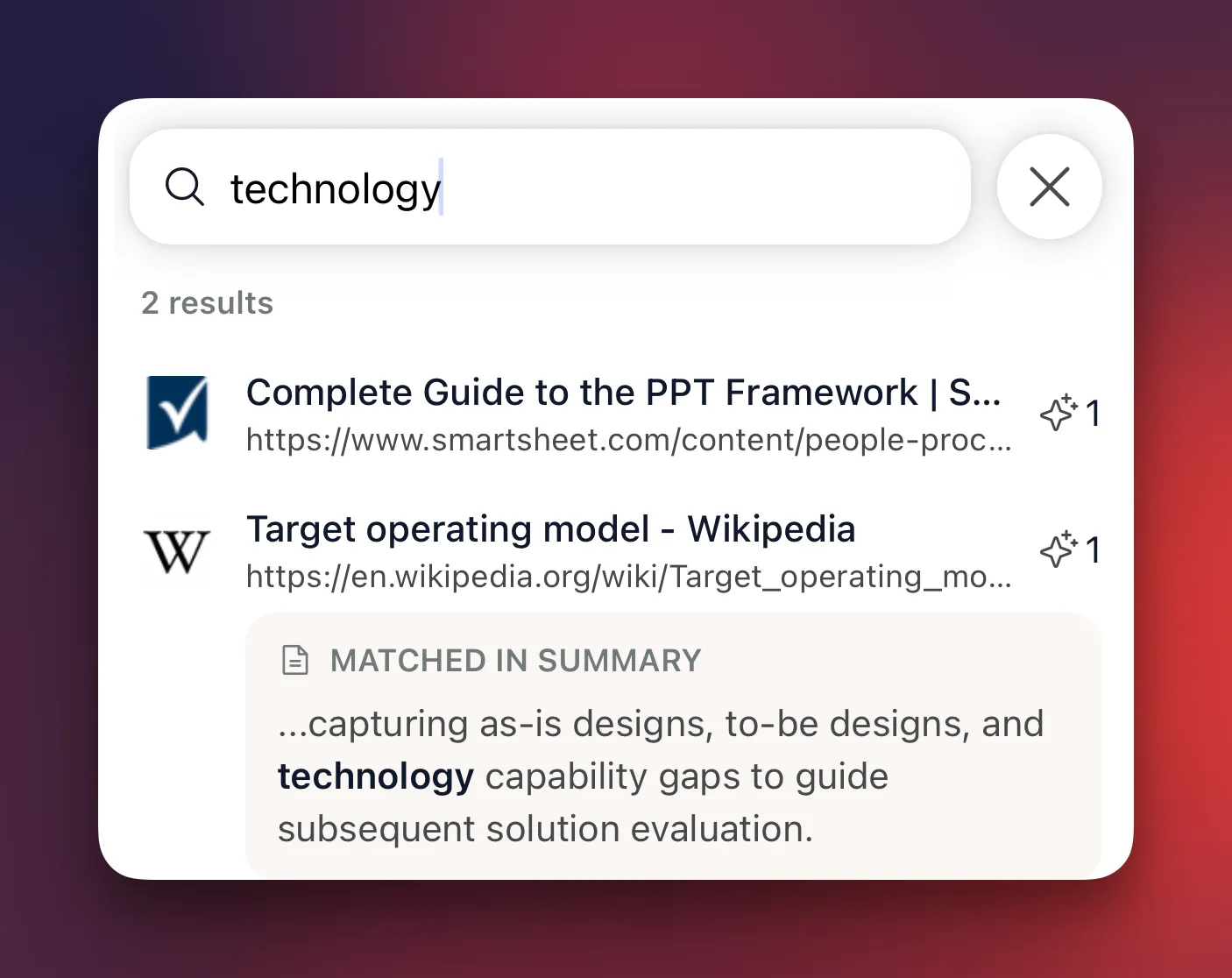
Sometimes you just know what you’re looking for. Hit the search button and type — Kepler will surface the matching links from your space instantly.
No more scrolling through everything to find the one link you need.
👉 Find anything in your space, in seconds.
📰 Feed

The Feed tab gives you a scrollable digest of everything saved in your space — with quick AI summaries alongside each link.
It’s the fastest way to get across your space without opening each link individually. Scan, skim, and move.
👉 Stay across your saved context without the effort.
😀 Emoji Picker
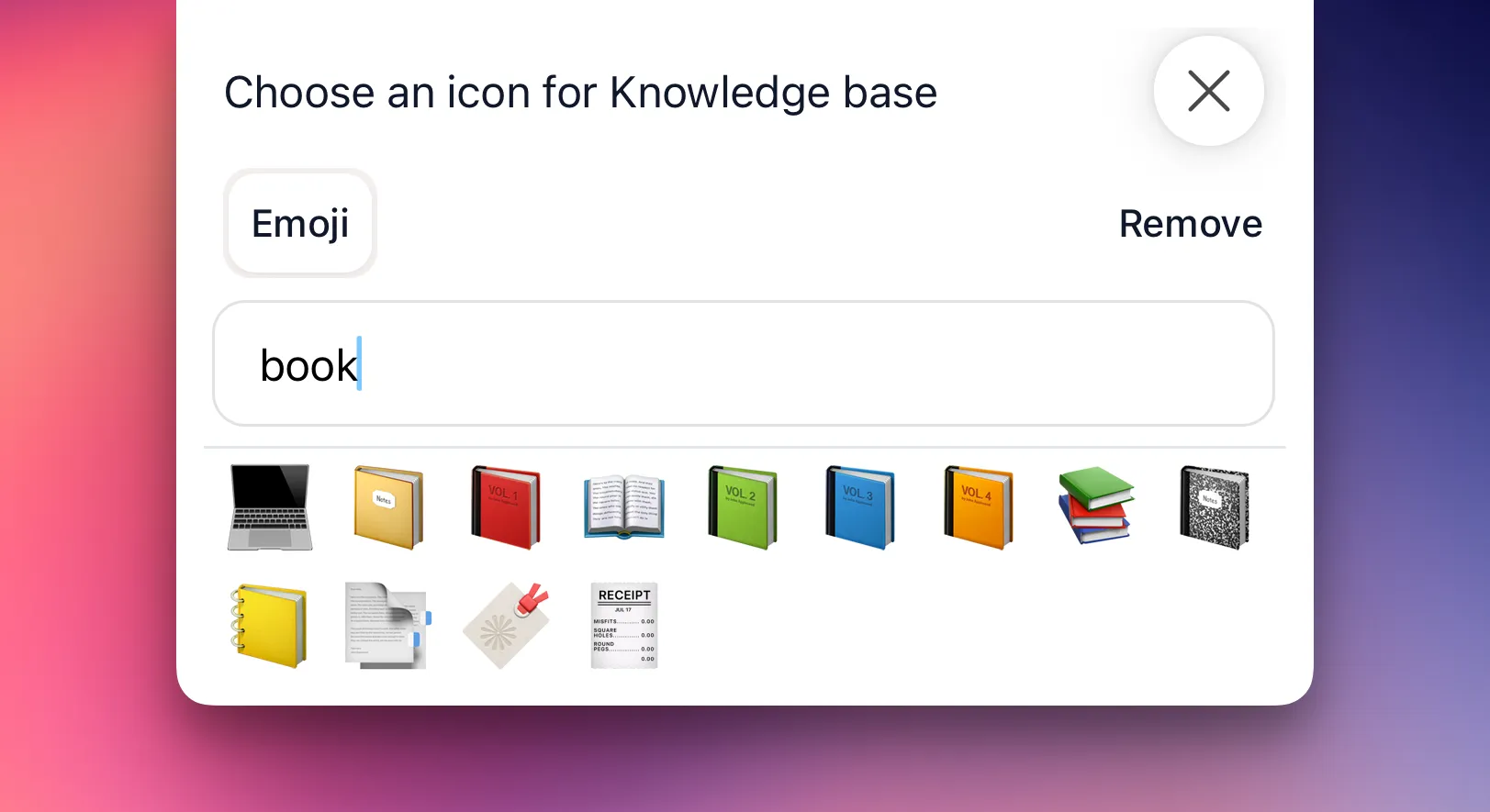
You can now set an emoji for any space — making it easier to tell them apart at a glance and giving your spaces a bit more personality.
Small touch, big difference when you’re switching between spaces throughout the day.
👉 More emojis, more customisation.