
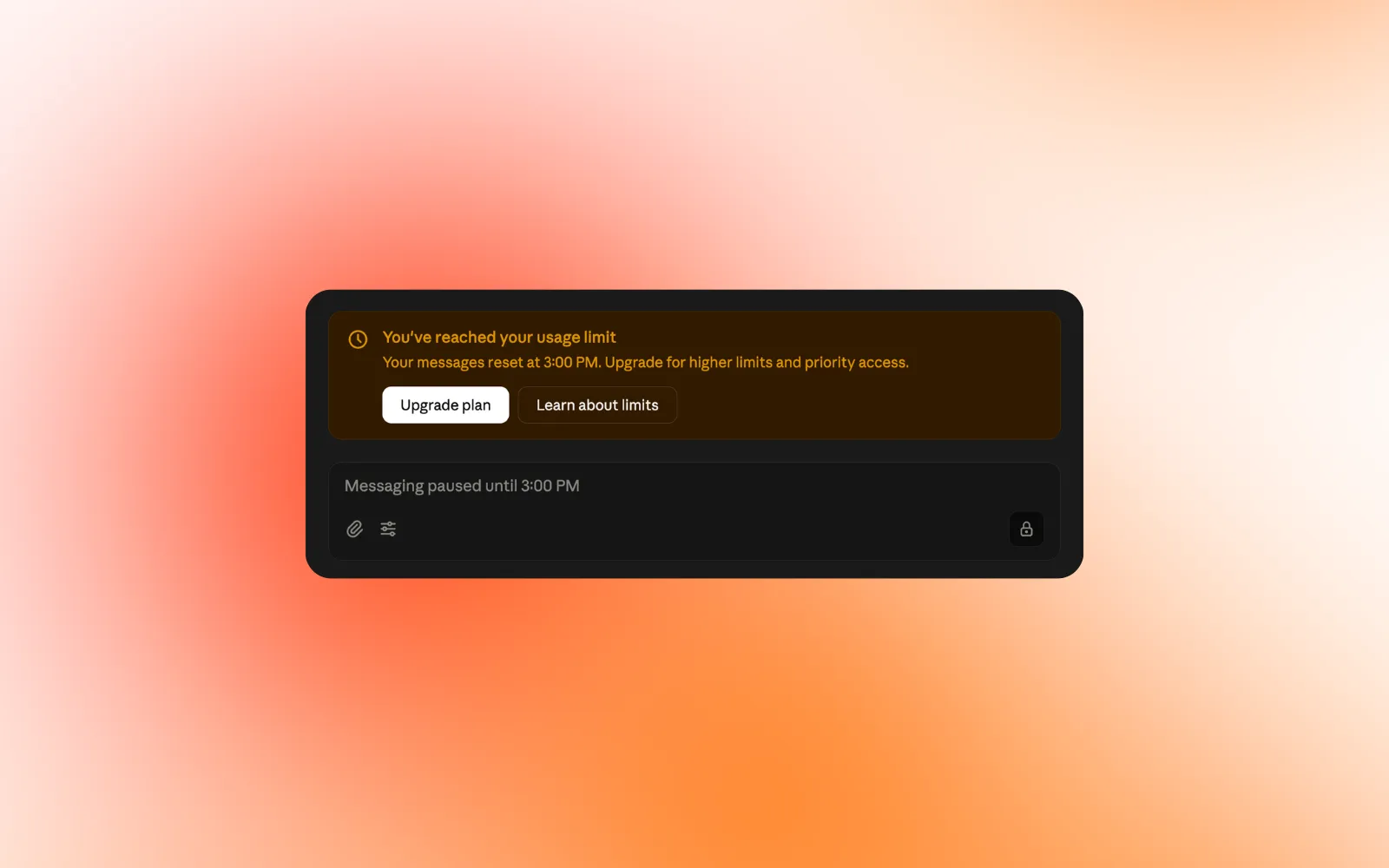
You are halfway through a piece of work and the message appears: you have reached your usage limit. Come back in a few hours.
If you use AI heavily, the cause is rarely the number of questions you ask. It is what you send along with them. The background you paste in, the custom instructions that have grown over months, the connectors you switched on once and forgot about, the project thread you have kept open for three weeks. All of that gets sent again with every message.
None of these habits are wrong. They are how people get better answers out of AI. They are just expensive, and most of them can be done more cheaply.
Why do heavy AI users hit usage limits so fast?
AI models do not remember your conversation between messages. To keep a chat coherent, the app sends the full history every time you reply, along with your instructions and the descriptions of any tools it can use. Message 40 in a thread costs roughly what all 40 messages cost together. The more context you add to make the AI useful, the faster that grows.
1. Don’t use one long thread as project memory
Keeping a single thread per project feels efficient, because the AI seems to remember everything. In practice you pay to re-send the whole history on every reply, and models are noticeably worse at using information buried in the middle of a long conversation.
Some apps now summarise older messages automatically when a chat gets very long, which keeps it going but still spends your allowance. You get a better result by doing it yourself: ask for a short summary of decisions and open questions, then start a new chat with that.
2. Audit your custom instructions
Custom instructions are sent with every message. Most of them grow a line at a time, usually after one bad answer. Read yours and delete anything that doesn’t apply to most of your chats. Background that only matters for one type of task belongs in the project for that task.
3. Stop pasting whole documents
If you want to ask about one section of a 40-page report, paste that section. If you notice you are pasting the same article into chat after chat, it should be stored somewhere the AI can look it up instead.
4. Switch off the connectors you are not using
Depending on the app, every connector you have enabled can load its tool descriptions into the context before you have typed a word. Each tool definition can run from a few hundred to over a thousand tokens, and the official MCP guidance notes that with enough servers connected, definitions alone can fill most of the context window. Newer apps load tools on demand, but switching off what you are not using costs nothing. Turn on what the task needs.
5. Keep project files lean
Project knowledge bases tend to collect everything. Depending on size, their contents can be loaded into context on every chat. Keep the files that define the project and move occasional reference material out.
6. Use the right model for the job
Reformatting, extracting, tagging and simple yes/no calls do not need the most capable model. Use it for work that needs judgement and your limit lasts much longer.
7. Ask for shorter answers
“Three bullets”, “just the table”, “skip the intro”. Shorter output costs less and is usually easier to use.
8. Separate storing your context from serving it
Most heavy users already keep their context somewhere: a prompt library, a Notion page of background, an Obsidian vault, a folder of articles they mean to use. Tools like Notion and Obsidian are good at storing information. What they don’t do is decide which part of it your AI needs for the question in front of it. So you end up either pasting all of it, which costs tokens, or none of it, which costs quality.
That second job has a name: context engineering. It means organising what you know so that the right piece reaches the AI at the right time, and nothing else does. Engineers build this for AI products with retrieval systems. Kepler does it for individuals. You save articles, videos, docs and notes as you come across them from your browser or phone. When you ask Claude or ChatGPT something, Kepler finds the relevant pieces and hands over only those over MCP, along with where they came from and why you saved them. Recalling your context through MCP is free and unlimited, so it doesn’t use your Kepler AI credits.
Does trimming context make answers worse?
Usually the opposite. Everything in the context window competes for the model’s attention, so background added “just in case” dilutes the part that matters. Cutting it tends to lower cost and improve the answer at the same time.
If you only change one thing this week, audit your custom instructions and connectors. If you want to stop doing this by hand, try Kepler →
Kepler helps you create context for AI from the links you save. It improves the AI tools you already use. It isn’t one itself.
Sources
- Liu et al., Lost in the Middle: How Language Models Use Long Contexts (2023): arxiv.org/abs/2307.03172
- Model Context Protocol, Client Best Practices (July 2026): modelcontextprotocol.io/docs/2026-07-28/develop/clients/client-best-practices
- MCP GitHub issue #2808, MCP spec should address tool schema token overhead (May 2026): github.com/modelcontextprotocol/modelcontextprotocol/issues/2808
- Claude Help Centre, Troubleshoot Claude error messages: support.claude.com/en/articles/12466728-troubleshoot-claude-error-messages