Say hello to richer context 👋
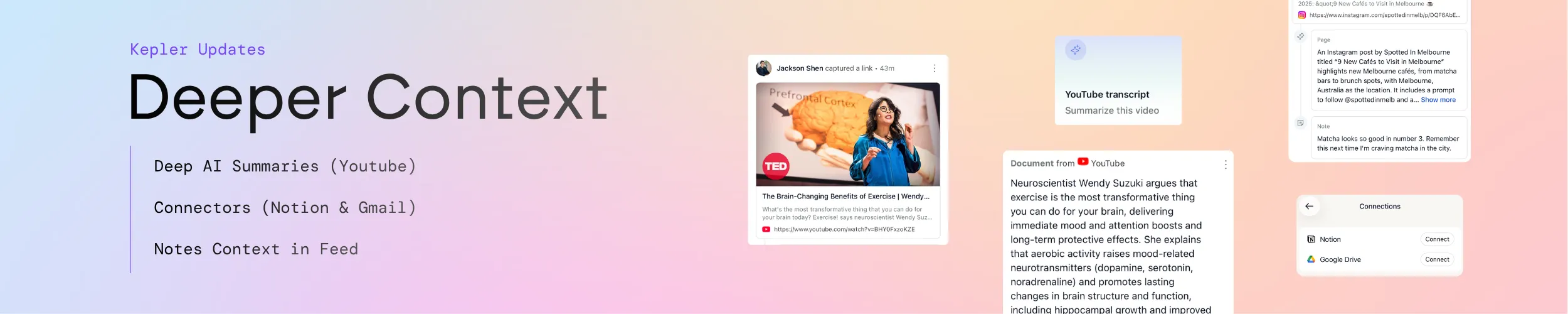
Kepler exists to turn what you find into context your AI can actually use. This update improves both halves of that loop. There are two new ways to create context, by summarising YouTube videos and pulling from Notion and Gmail, and a clearer way to view it, with your notes now visible right in the Feed.
What’s new:
- 🎥 Summarise YouTube videos: Kepler reads the transcript and turns a video into memory you can use
- 🔗 Connect Notion and Gmail: pull in context from the tools you already use, securely
- 📝 Notes in the Feed: see the notes you added on your saves, right where you catch up
🎥 Summarise the YouTube videos you never have time to watch
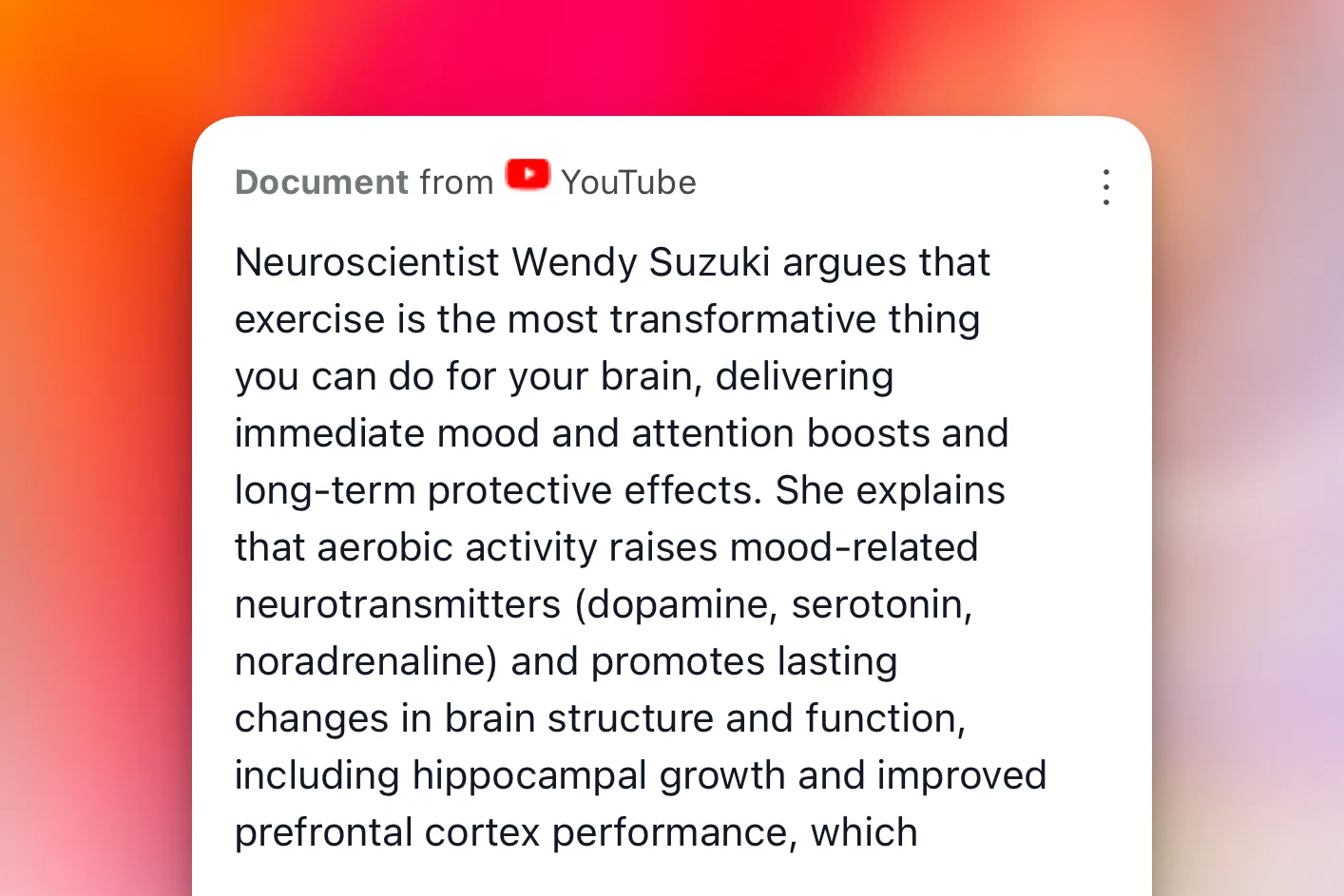
We all save videos meaning to watch them later: tutorials, interviews, talks, reviews. The pile grows faster than the free time to get through it.
Now you can save a YouTube link to Kepler from the mobile app or the browser extension, and Kepler reads the transcript and turns it into a useful summary. We do not download or store the video itself. Think of it as asking an agent to watch it for you and write down what matters.
The summary lands in your Feed next to the articles and pages you have saved, so there is one place to catch up on everything you found interesting, even the things you never had time to watch. And it does not stop at a recap: the information becomes part of your Kepler memory. You can ask about a video without opening it again, compare it against an article, or fold a handful of sources into a short briefing, either with Kepler’s own assistant or in ChatGPT and Claude over MCP.
👉 Save a video now, and read it as memory whenever you have time.
🔗 Connect Notion and Gmail, and pull in the context that matters
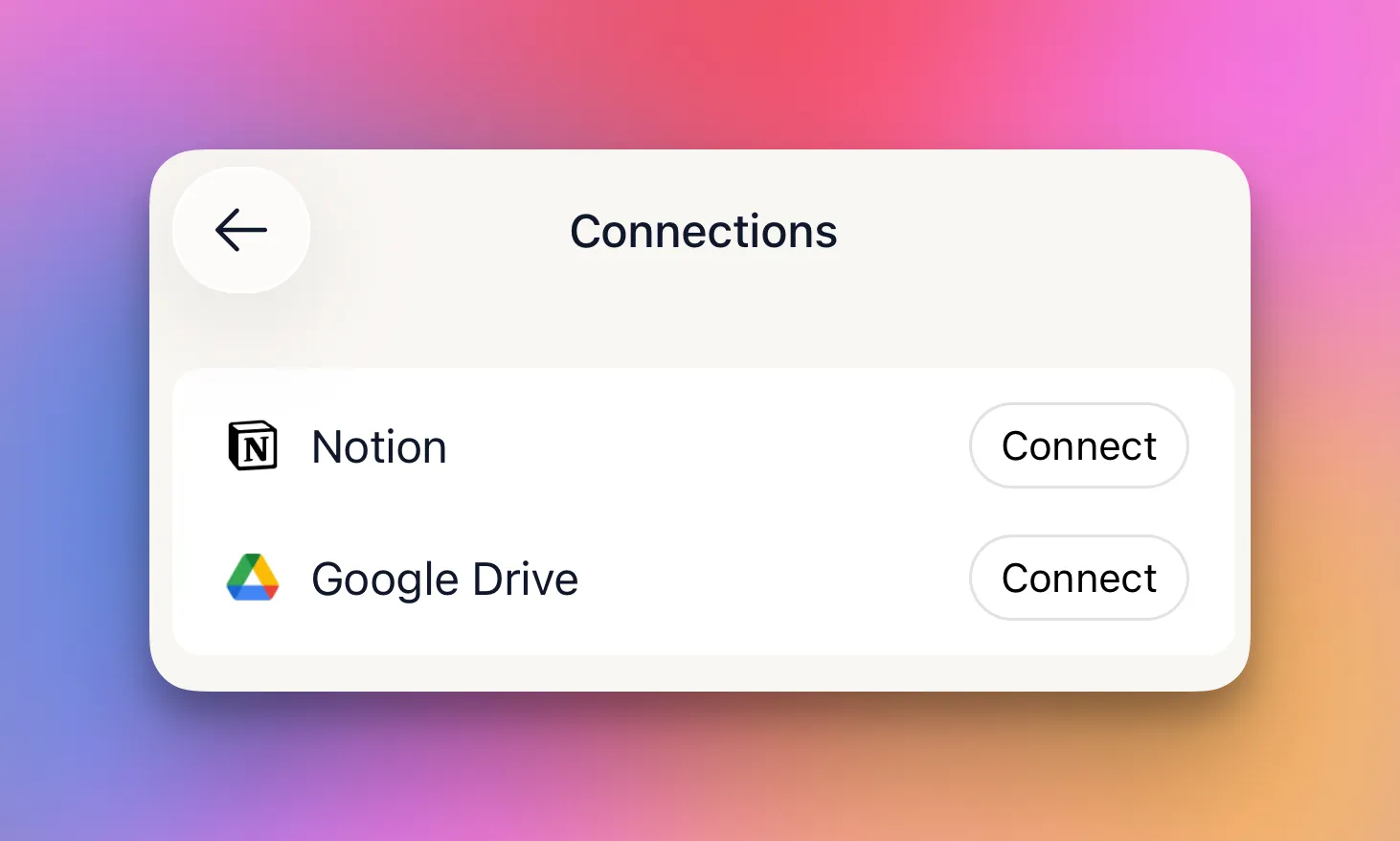
A lot of the context you would want your AI to draw on already lives in the tools you use every day. You can now connect Notion and Gmail to Kepler through a secure sign-in, and bring that context into your memory.
Connecting is permission, not a sweep. Kepler does not crawl your inbox or your workspace in the background. The connection simply lets you pull in the specific things you choose to keep, and Kepler respects the permissions you already have in each tool. You decide what becomes context.
Once something is in, it behaves like everything else you save: organised, searchable, and available to whichever AI tools you connect.
👉 Bring in context from the tools you already use, on your terms.
📝 See your notes, right in the Feed
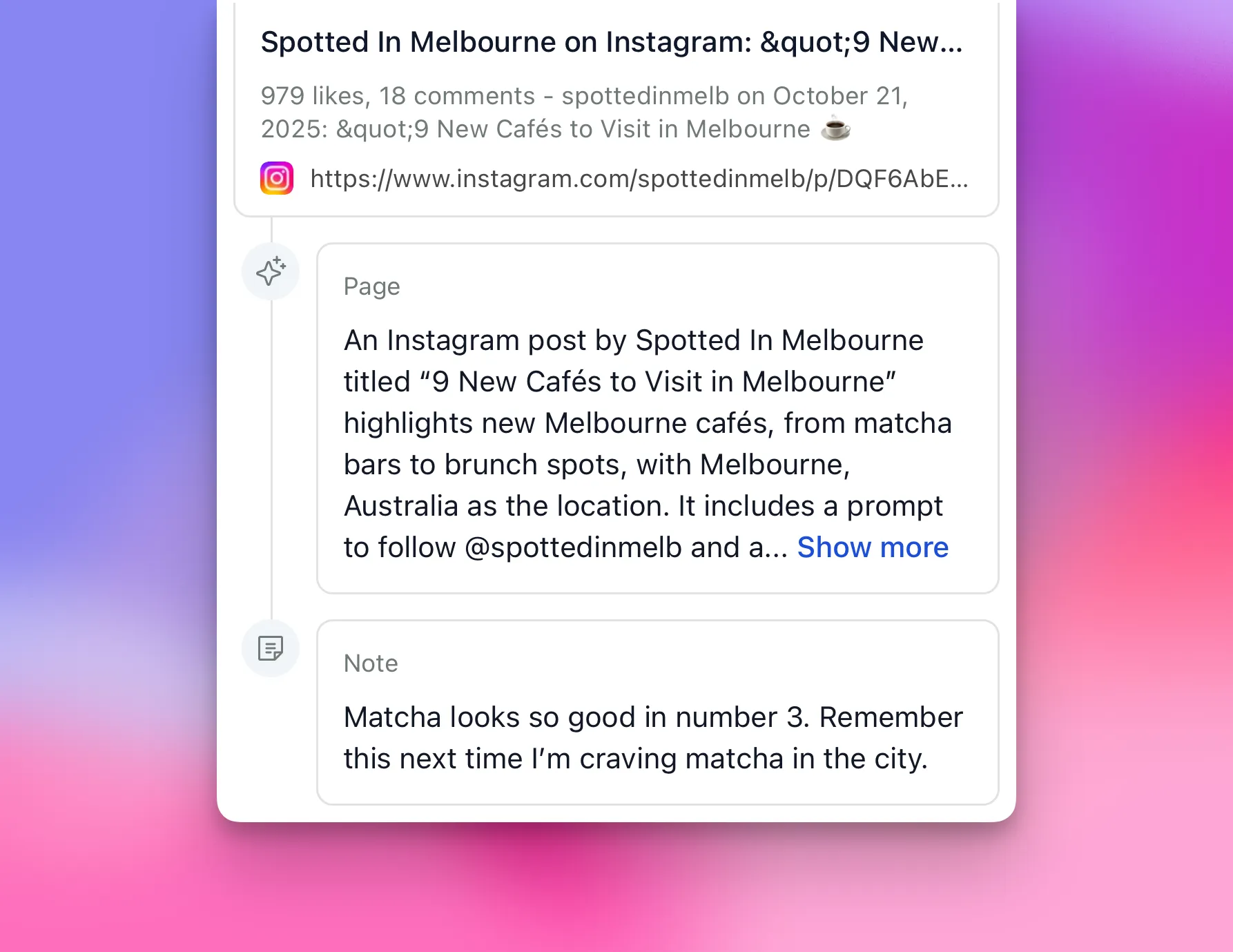
Kepler was already the place to add your own notes and highlights to what you save, the context only you can add. Now those notes are visible right in the Feed.
When you scroll your Feed, you no longer see only the source. You see what you thought about it: the line you flagged, the reason you saved it, the reminder you left yourself. It is a small change with a real effect. The context you created is now in view where you catch up, instead of hidden a click away.
👉 See not just what you saved, but what you thought about it.
More ways in, a clearer view
The theme running through this release is simple: more ways to create context, and a clearer way to see it. Summarise a video or connect your tools, and your memory gets richer. Open your Feed, and the notes you added are right there. The better your context, the better every AI tool you connect to it.
Get Kepler → and save the next video, note, or source you have been meaning to keep.
Kepler helps you create context for AI from the links you save. It improves the AI tools you already use. It isn’t one itself.